

Jun . 11, 2026 04:35 Back to list
Guide to Selecting the Right High Performance Module Camera USB
The Ultimate Guide to Selecting the Right Module Camera USB
In the rapidly evolving landscape of machine vision and embedded systems, finding a reliable module camera usb is essential for achieving high-precision imaging. Whether you are developing an industrial inspection tool, a medical device, or a smart home application, the USB interface provides the perfect balance of plug-and-play convenience and high-speed data transmission. Understanding the technical nuances of these modules allows engineers to optimize performance and reduce integration time. In this guide, we will explore everything from hardware specifications to practical industrial applications to help you make an informed decision for your project.

Why Choose a Module Camera USB for Your Project?
The primary advantage of a module camera usb lies in its versatility and ease of integration. Unlike bulky consumer cameras, camera modules are stripped down to the essentials, allowing them to be embedded into tight spaces within a product's chassis. The USB protocol ensures compatibility across various operating systems including Windows, Linux, and Android, often utilizing the UVC (USB Video Class) standard which eliminates the need for complex custom drivers. This significantly accelerates the prototyping phase and lowers the overall cost of development for hardware engineers.
Pro Tip: When selecting a module, always verify if the camera supports UVC. UVC-compliant modules are recognized instantly by most computers, ensuring a seamless "plug-and-play" experience without manual driver installation.
Technical Specifications of High-Performance Module Camera USB
When evaluating a module camera usb, several key technical parameters determine its suitability for your specific use case. Resolution, frame rate, and sensor size are the primary drivers of image quality. For instance, an industrial inspection line requires a high frame rate to capture moving parts without blur, while a document scanner requires high resolution for text clarity. Below is a detailed specifications table comparing common module tiers to help you identify the right fit for your requirements.
Optimal Application Scenarios for Module Camera USB
The adaptability of a module camera usb allows it to shine in diverse environments. In medical imaging, these modules are used in handheld diagnostic tools where a small form factor is critical. In industrial automation, they are integrated into robotic arms for real-time quality control and part alignment. Additionally, the rise of AI and edge computing has led to the widespread use of USB camera modules in smart kiosks and facial recognition systems. The ability to swap lenses or adjust the sensor settings makes them far more flexible than integrated webcams.

Comparing USB Modules vs. MIPI CSI Interfaces
A common dilemma for developers is choosing between a module camera usb and a MIPI CSI (Camera Serial Interface) module. While MIPI offers lower latency and lower power consumption (ideal for smartphones), USB modules offer unparalleled compatibility. USB modules do not require a specialized processor with a CSI port, meaning they can work with any PC, laptop, or single-board computer like the Raspberry Pi via a standard port. For most commercial and industrial applications, the ease of deployment provided by USB far outweighs the marginal performance gains of MIPI.
USB Advantage Summary:
• No specialized hardware ports required
• Standardized UVC drivers for instant setup
• Longer cable lengths compared to MIPI
• Simplified power delivery (5V via USB)
How to Maintain and Optimize Your Module Camera USB
To ensure the longevity and image quality of your module camera usb, proper maintenance is key. In industrial settings, dust and debris can accumulate on the lens, leading to blurred images. Using an optical-grade microfiber cloth for cleaning is recommended. From a software perspective, optimizing the bandwidth settings in your application can prevent frame drops, especially when using USB 2.0. Additionally, ensuring a stable power supply is crucial; unstable voltage can lead to digital noise or unexpected disconnections during critical operations.
Selecting the Right Supplier for USB Camera Modules
Choosing a partner like SZMYCCM ensures that you receive modules that have undergone rigorous quality control. A professional supplier should provide not only the hardware but also the technical documentation and SDKs necessary for integration. When sourcing, look for suppliers who offer customization options, such as specific focal lengths, infrared (IR) filters for night vision, or custom cable lengths. This level of flexibility is what transforms a generic component into a tailored solution for your specific business need.
Conclusion: Elevating Your Vision with USB Camera Modules
The module camera usb is more than just a component; it is a gateway to advanced automation and intelligent sensing. By balancing resolution, frame rate, and interface compatibility, businesses can create products that are both powerful and easy to maintain. Whether you are building a prototype or scaling a mass-market product, investing in high-quality USB modules ensures reliability and a competitive edge in the market. Trust in professional-grade imaging to bring your vision to life.
Frequently Asked Questions (FAQs)
What is the difference between USB 2.0 and USB 3.0 in camera modules?
The primary difference is bandwidth. USB 2.0 supports speeds up to 480 Mbps, which is sufficient for 1080p video at 30 FPS. However, for higher resolutions (4K) or high-speed frame rates (60 FPS and above), USB 3.0 is required as it offers speeds up to 5 Gbps. Choosing USB 3.0 reduces compression artifacts and allows for the transmission of uncompressed raw data, which is critical for high-precision industrial analysis.
Do I need special drivers for a module camera usb?
Most professional module camera usb units are UVC (USB Video Class) compliant. This means they use a generic driver built into almost every modern operating system (Windows, macOS, Linux). You can simply plug the module into the USB port, and it will be recognized as a standard camera device, making it highly compatible with software like OpenCV, Zoom, or custom Python scripts.
Can these modules be used for night vision?
Yes, but it depends on the sensor and the lens filter. To achieve night vision, the module must have an "IR-cut filter" removed (No-IR) so the sensor can detect infrared light. When paired with an external IR illuminator, a No-IR USB camera module can see in total darkness. Many suppliers offer customized versions of their modules specifically for low-light or security applications.
How do I choose the right focal length for my lens?
Focal length determines the Field of View (FOV). A short focal length (e.g., 2.1mm) provides a wide-angle view, which is great for surveillance or room monitoring. A longer focal length (e.g., 6mm or 12mm) narrows the view and "zooms in" on the subject, which is ideal for reading barcodes or inspecting small components on a conveyor belt. It is important to calculate the distance between the camera and the object to select the correct lens.
-
5MP USB Camera Module Comparison: Single-Lens or Dual-Lens Design?
NewsNov.02,2026
-
MY-DC52M-A1 Dual Lens Wide Dynamic Range Usb2.0 Camera Module With HD Video 5mp+2mp FAQ
NewsOct.31,2026
-
Choosing MY-USB-2-4M898A V2: Application Fit and Specification Checks
NewsOct.22,2026
-
High Resolution Imaging with raspberry pi camera module v2 1
NewsJul.01,2026
-
Guide to Using the Raspberry Pi Camera Module v2 for AI Projects
NewsJun.29,2026
-
Best Raspberry Pi Camera Module 2 Alternative for High Speed Imaging
NewsJun.27,2026
-
MY-USB1M818A Global Exposure Usb Camera Module With 1mp Hd Video
-
-
-
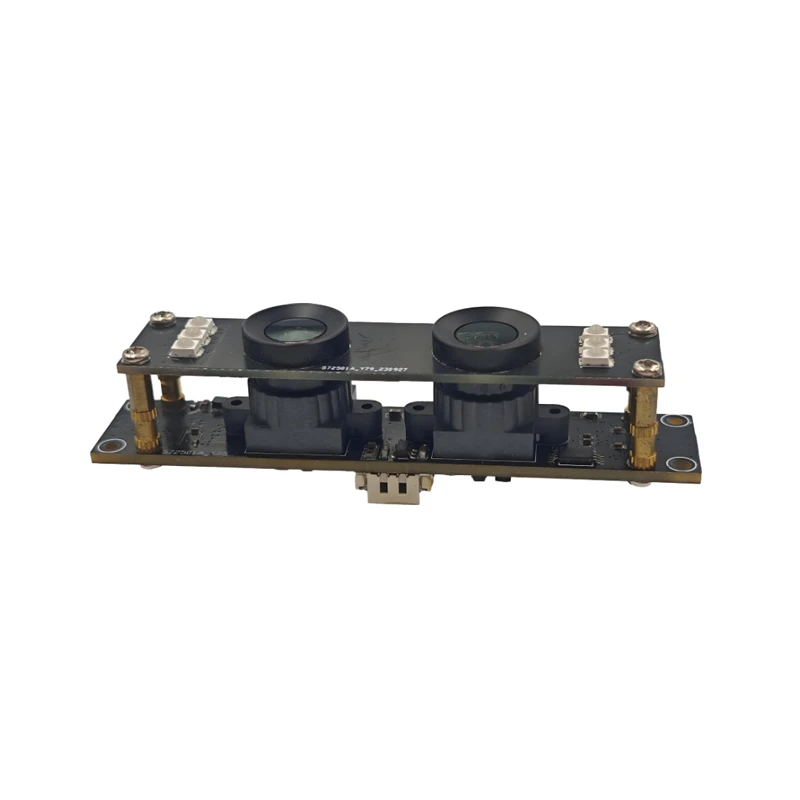
MY-DC52M-A1 Dual Lens Wide Dynamic Range Usb2.0 Camera Module With HD Video 5mp+2mp
-
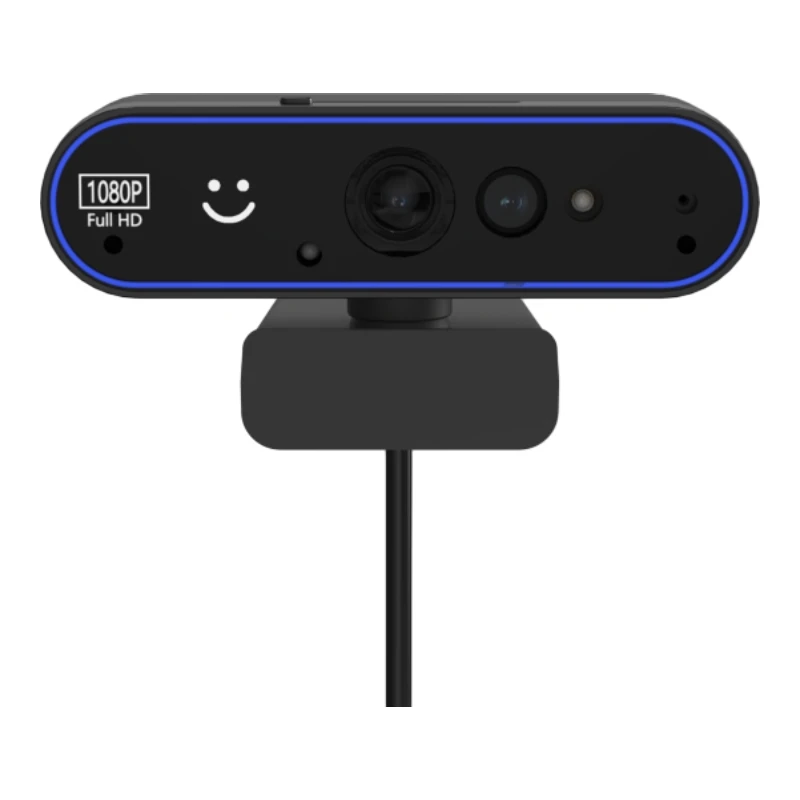
MY-WHC700 Windows Hello Face Recognition Binocular USB Camera
-
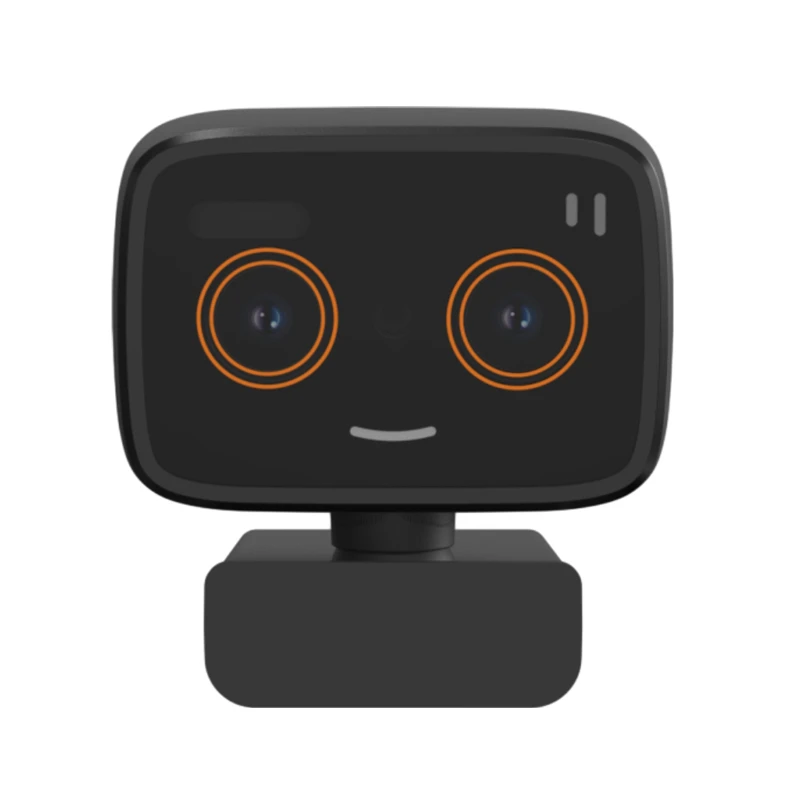
MY-DC-260-A1 Dual Lens Usb2.0 Web Camera With High-definition Video 2mp+2mp
-
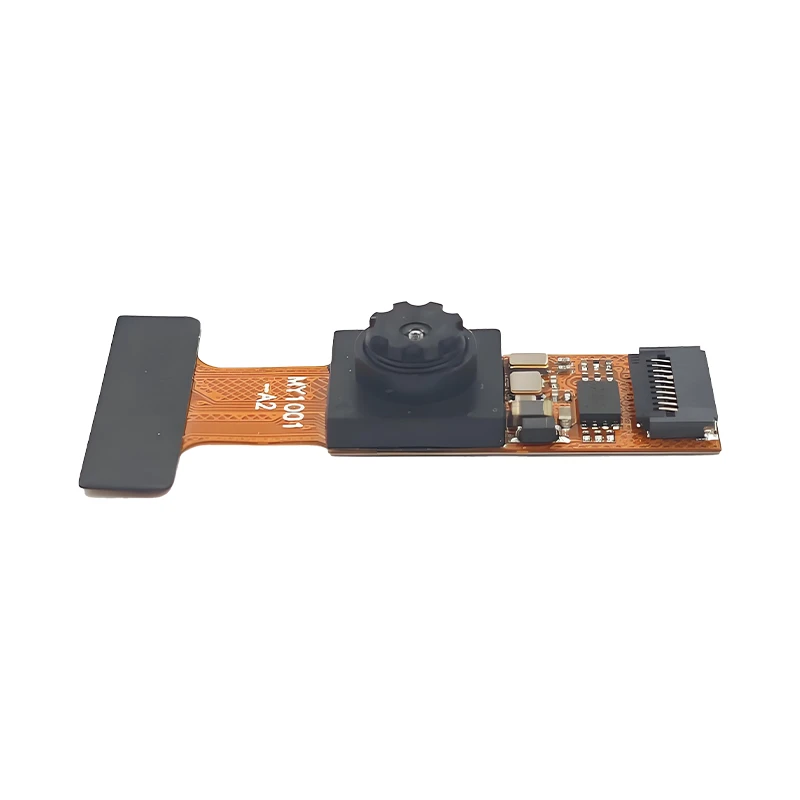
MY-1001-A2 AI Tracking, Gesture Recognition, Sitting Posture Detection Smart Camera Module
-
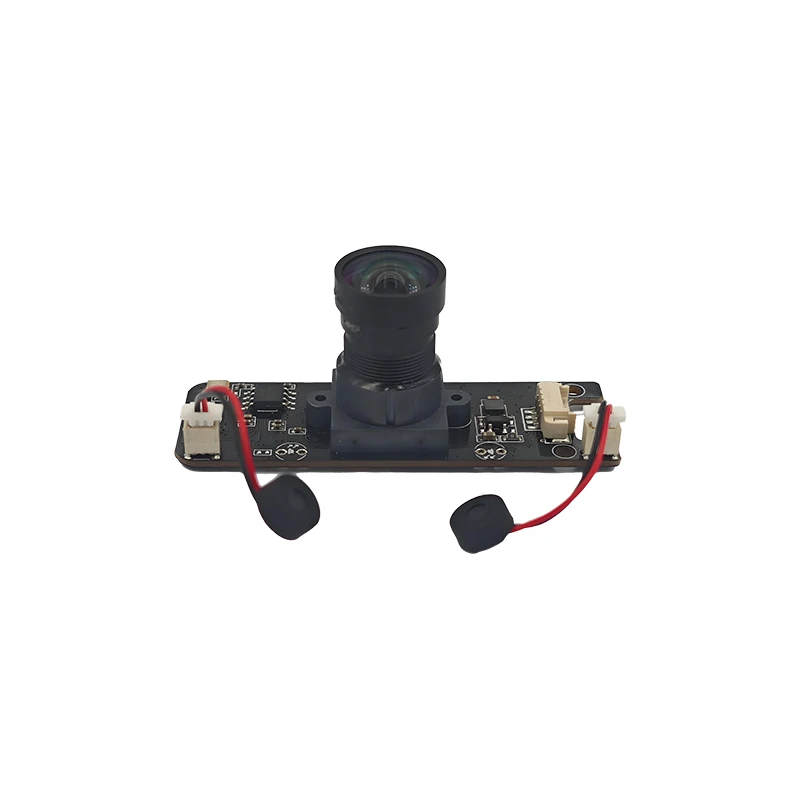
MY-USB8M158A 4K Resolution HD Video Driver-Free USB Camera Module With Microphone
