


Jun . 21, 2026 05:05 Back to list
How to Choose the Best usb 2.0 pc camera for Your Workspace
Choosing the Right USB 2.0 PC Camera for Your Modern Workspace
In an era where remote work and digital communication have become the norm, having a reliable visual connection is essential. A high-quality usb 2.0 pc camera provides the perfect balance of accessibility, performance, and cost-effectiveness. Whether you are conducting professional business meetings, engaging in online education, or streaming content, the right camera ensures that your image is crisp and your presence is felt. While newer standards exist, USB 2.0 remains a global benchmark for compatibility and stability across millions of devices. In this guide, we will explore how to select the best imaging solution to elevate your digital interaction.

The Enduring Reliability of USB 2.0 PC Camera Technology
Many users wonder if USB 2.0 is still relevant in a world of USB 3.0 and USB-C. The truth is that for most 1080p and 720p video streams, the bandwidth provided by a usb 2.0 pc camera is more than sufficient. The primary advantage lies in universal compatibility; almost every laptop, desktop, and industrial PC manufactured in the last two decades features a USB 2.0 port. This eliminates the need for expensive adapters and ensures a "plug-and-play" experience that saves time and reduces technical frustration for the end user.
Pro Tip: When selecting a camera, prioritize the CMOS sensor quality over the USB version if you are targeting standard HD resolutions, as the sensor determines the actual image clarity.
Key Performance Metrics for a USB 2.0 PC Camera
To make an informed purchase, it is important to understand the technical specifications that impact video quality. Factors such as frame rate (FPS), field of view (FOV), and auto-focus capabilities play a critical role. A camera with a wider FOV is ideal for group meetings, while a narrow FOV is better for individual presentations. Furthermore, integrated microphones in many usb 2.0 pc camera models provide a convenient all-in-one audio-visual solution for home offices.

Comparing USB 2.0 PC Camera Versions: HD vs. Full HD
Depending on your specific needs, you might choose between a standard HD (720p) or a Full HD (1080p) model. While 1080p offers superior detail, 720p is often sufficient for basic communication and consumes less bandwidth, which can be an advantage in areas with unstable internet connections. Below is a detailed comparison to help you decide which usb 2.0 pc camera fits your requirements.
Industrial and Commercial Applications of USB 2.0 Cameras
Beyond the home office, the usb 2.0 pc camera is widely used in industrial automation, security monitoring, and medical imaging. In these settings, stability and long-term reliability are more critical than bleeding-edge speed. USB 2.0's mature ecosystem allows for seamless integration with legacy software and specialized hardware controllers. From quality control on assembly lines to telemedicine consultations, these cameras provide a cost-effective way to implement visual monitoring without upgrading entire IT infrastructures.
Technical Specifications for the Professional USB 2.0 PC Camera
When sourcing cameras for large-scale deployment, referring to a technical specification sheet is vital. This ensures that the hardware meets the specific requirements of the software environment. Most professional-grade usb 2.0 pc camera units adhere to UVC (USB Video Class) standards, meaning they do not require custom drivers to function on Windows, macOS, or Linux.
Conclusion: Elevating Your Vision with a USB 2.0 PC Camera
Investing in a high-quality usb 2.0 pc camera is a practical and efficient way to enhance your digital communication. By focusing on key specifications like resolution, field of view, and UVC compliance, you can ensure a seamless experience across all your devices. Whether for professional, educational, or industrial use, the right camera bridges the gap between physical presence and digital interaction. Choose a solution that offers stability and clarity to ensure your message is always delivered perfectly.
Frequently Asked Questions (FAQs)
Is a USB 2.0 PC camera compatible with USB 3.0 ports?
Yes, USB technology is designed to be backward and forward compatible. You can plug a usb 2.0 pc camera into a USB 3.0 or USB 3.1 port without any issues. The camera will simply operate at USB 2.0 speeds, which is more than enough for high-definition video streaming. This flexibility ensures that you can upgrade your computer hardware without needing to replace your imaging equipment.
Do I need to install drivers for my USB 2.0 PC camera?
Most modern cameras are "UVC Compliant" (USB Video Class), which means they use a universal driver already built into most operating systems like Windows and macOS. In the majority of cases, you simply plug the camera into the port, and the system recognizes it immediately. This eliminates the need for manual software installation and prevents compatibility errors often associated with proprietary drivers.
How can I improve the image quality of my webcam?
The most effective way to improve the image of your usb 2.0 pc camera is through lighting. Ensure that your primary light source is in front of you rather than behind you to avoid silhouettes. Additionally, cleaning the lens with a microfiber cloth and adjusting the camera to eye level can significantly enhance the professional appearance of your video feed.
What is the difference between a fixed-focus and an auto-focus camera?
A fixed-focus camera is designed to keep objects within a certain range (usually from a few feet to infinity) in focus. These are highly reliable and often cheaper. An auto-focus camera can adjust its lens to sharpen images of objects very close to the camera. Auto-focus is ideal for those who frequently show physical documents or products to the camera, while fixed-focus is perfect for standard talking-head video calls.
-
5MP USB Camera Module Comparison: Single-Lens or Dual-Lens Design?
NewsNov.02,2026
-
MY-DC52M-A1 Dual Lens Wide Dynamic Range Usb2.0 Camera Module With HD Video 5mp+2mp FAQ
NewsOct.31,2026
-
Choosing MY-USB-2-4M898A V2: Application Fit and Specification Checks
NewsOct.22,2026
-
High Resolution Imaging with raspberry pi camera module v2 1
NewsJul.01,2026
-
Guide to Using the Raspberry Pi Camera Module v2 for AI Projects
NewsJun.29,2026
-
Best Raspberry Pi Camera Module 2 Alternative for High Speed Imaging
NewsJun.27,2026
-
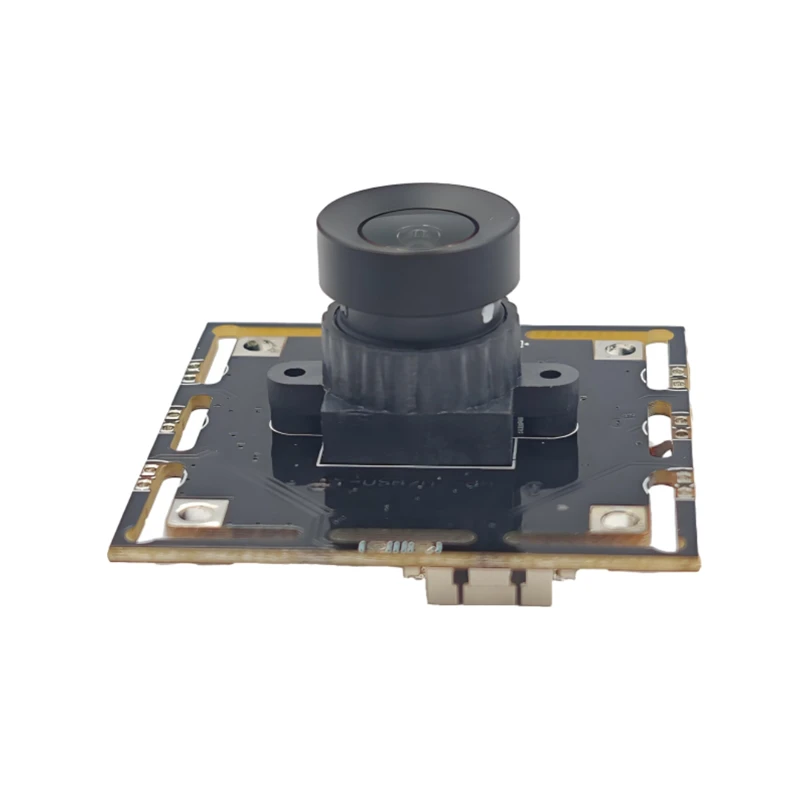
MY-USB1M818A Global Exposure Usb Camera Module With 1mp Hd Video
-
-
-
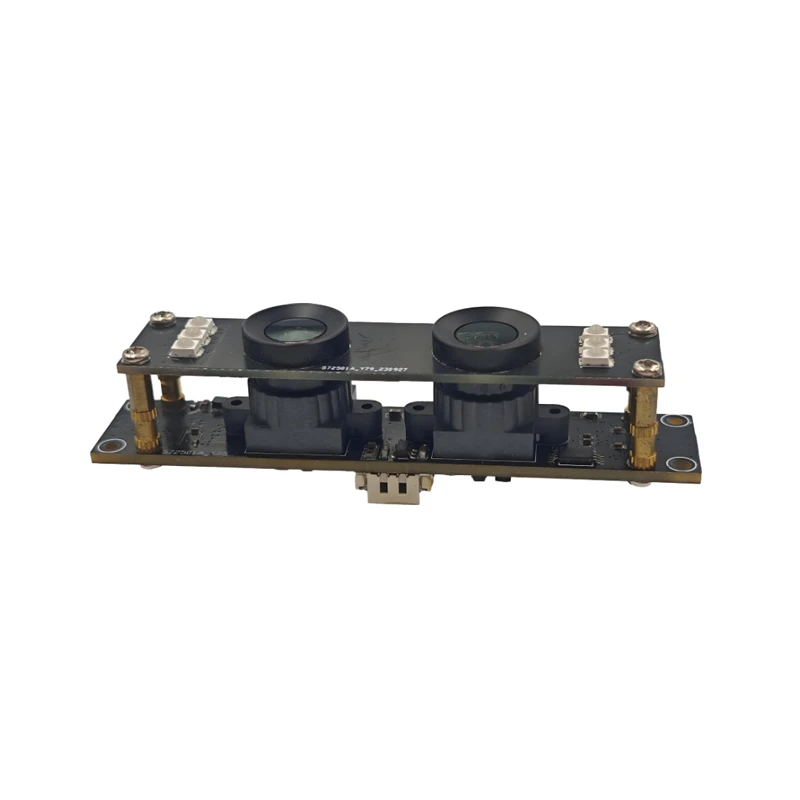
MY-DC52M-A1 Dual Lens Wide Dynamic Range Usb2.0 Camera Module With HD Video 5mp+2mp
-
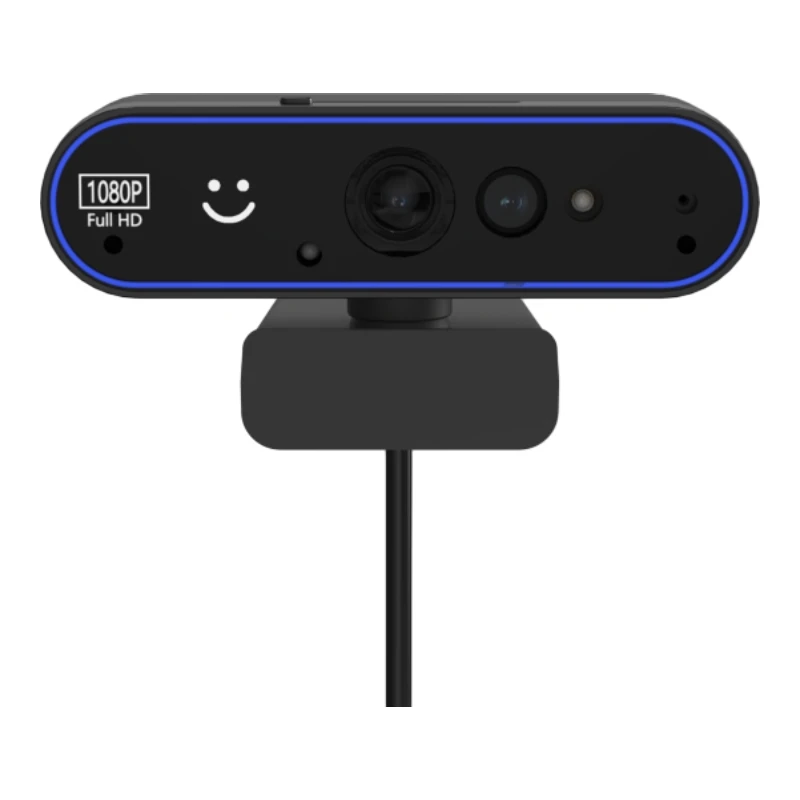
MY-WHC700 Windows Hello Face Recognition Binocular USB Camera
-
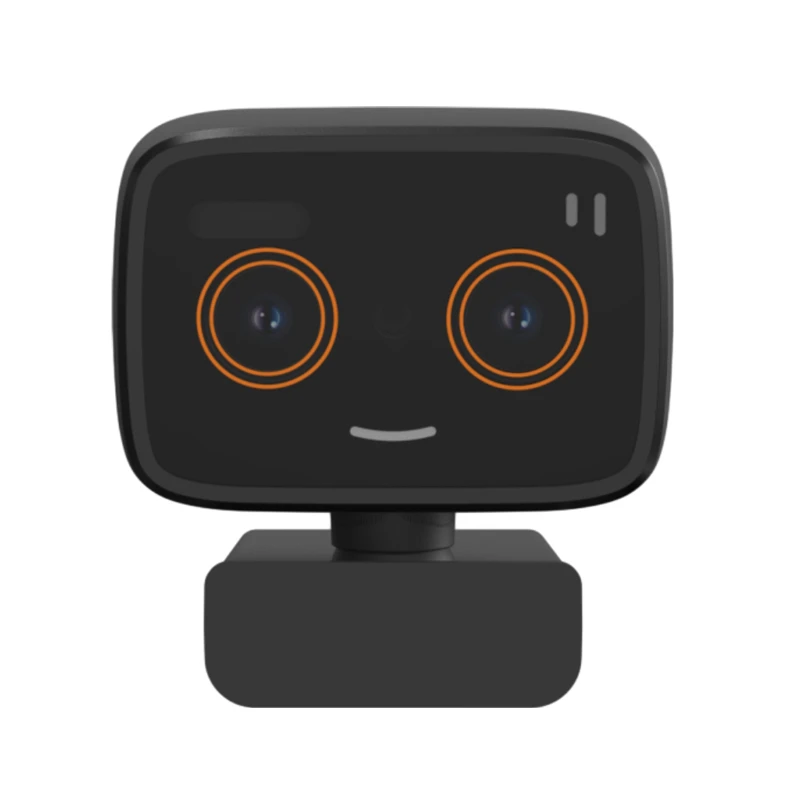
MY-DC-260-A1 Dual Lens Usb2.0 Web Camera With High-definition Video 2mp+2mp
-
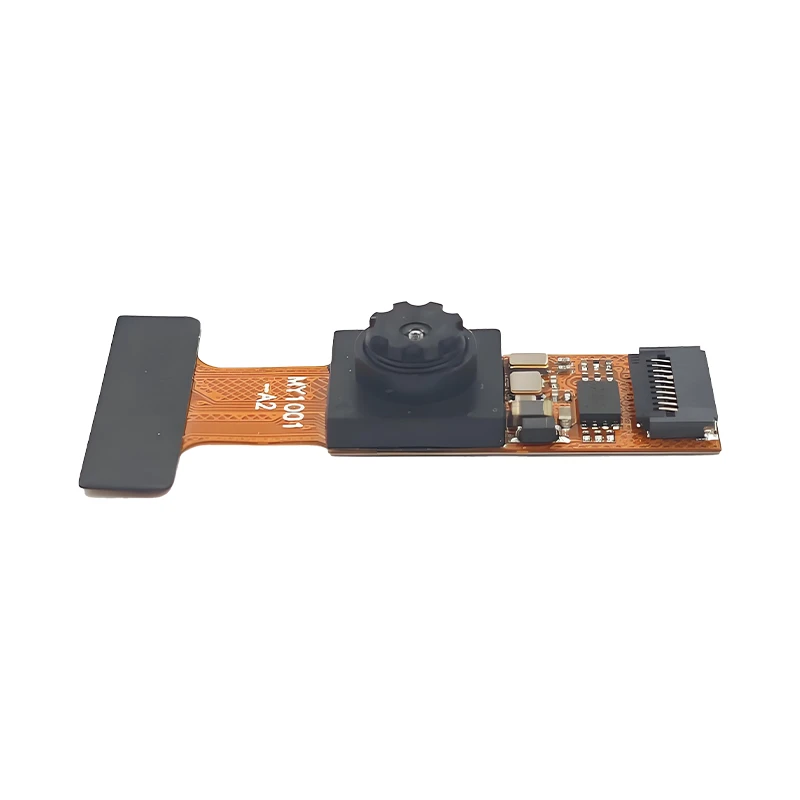
MY-1001-A2 AI Tracking, Gesture Recognition, Sitting Posture Detection Smart Camera Module
-
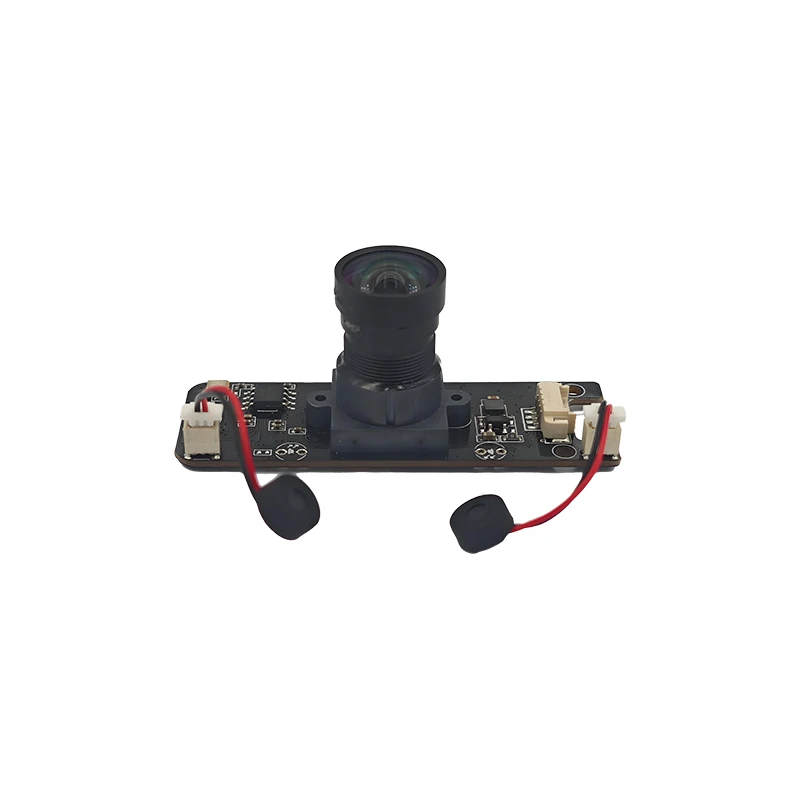
MY-USB8M158A 4K Resolution HD Video Driver-Free USB Camera Module With Microphone
