


Jun . 09, 2026 19:35 Back to list
Professional usb camera mic for High Quality Remote Communication
Enhancing Communication with a Professional usb camera mic
In the era of remote work and digital transformation, the quality of your audiovisual presence can make or break a professional impression. A high-quality usb camera mic provides an all-in-one solution for seamless communication, combining crisp imagery with clear audio. Whether you are conducting high-stakes boardroom meetings via Zoom or streaming content to a global audience, having a reliable hardware interface is essential. By integrating both video capture and audio recording into a single USB connection, users can reduce cable clutter and ensure system compatibility across various operating systems. In this guide, we will explore how to choose the best equipment to elevate your digital interactions.

The Importance of Integrated Audio in USB Cameras
Many users underestimate the impact of audio quality compared to video. While a grainy picture is distracting, poor audio—characterized by echoes or static—is often intolerable for the listener. A specialized usb camera mic setup ensures that your voice is captured with clarity and depth. Modern integrated microphones utilize noise-reduction algorithms to filter out background hums, such as air conditioners or keyboard typing, allowing the speaker's voice to remain the focal point. This synchronization of sight and sound is critical for maintaining engagement during long virtual sessions.
Pro Tip: Always check if your device supports "Plug-and-Play" functionality, which eliminates the need for manual driver installations and ensures immediate compatibility with Windows and macOS.
Choosing the Right usb camera mic for Your Needs
Not all hardware is created equal. Depending on your environment, you may need different specifications. For instance, a home office might require a wide-angle lens for family meetings, whereas a professional studio would prioritize high-definition 4K resolution and a cardioid microphone pattern to isolate the voice. When browsing for a usb camera mic, consider the field of view (FOV) and the microphone's pickup range. A wider FOV is great for groups, but a narrower one is better for individual presentations to avoid showing too much of the background.
Selection Checklist:
• Resolution: 1080p for standard use, 4K for professional production
• Microphone Type: Omnidirectional (groups) vs. Unidirectional (solo)
• Connection: USB 2.0 or USB 3.0 for faster data transfer
• Mounting Options: Clip-on, tripod mount, or magnetic base
Comparative Analysis: Integrated vs. External usb camera mic
While some professionals prefer separate cameras and XLR microphones, the convenience of an integrated usb camera mic system has become the industry standard for corporate environments. The primary advantage lies in the simplified setup and the inherent synchronization between the audio and video streams, which prevents the dreaded "lip-sync" delay often found in multi-device configurations. Below is a detailed comparison to help you decide.
Technical Specifications for High-Performance usb camera mic
When evaluating the technical datasheet of a usb camera mic, it is important to look beyond the marketing buzzwords. Pay close attention to the sensor type (CMOS is standard) and the frame rate (fps). A higher frame rate, such as 60fps, ensures that your movements appear fluid and natural. For the microphone, check the signal-to-noise ratio (SNR); a higher number indicates a cleaner recording with less internal electronic noise.

Optimizing Your Setup for Maximum Performance
Owning a professional usb camera mic is only half the battle; optimization is where the real quality emerges. Lighting is the most critical factor for video; ensure you have a primary light source in front of you rather than behind you to avoid becoming a silhouette. For audio, minimize hard surfaces in your room that can cause echoes. Using a simple desk mat or adding a few soft furnishings can significantly dampen sound reflections, making your integrated microphone sound like a studio-grade setup.
Optimization Tip: Use a USB hub with independent power if you are connecting multiple high-bandwidth devices to avoid power fluctuations that can cause flickering in the video or popping in the audio.
Conclusion: Elevating Your Digital Presence
Integrating a high-performance usb camera mic into your workflow is a strategic investment in your professional image. By combining high-definition visuals with crystal-clear audio, you remove the barriers to effective communication and ensure your message is delivered with authority and clarity. Whether for business, education, or content creation, the right hardware creates a seamless experience for both the speaker and the audience. Upgrade your setup today to experience the difference that professional-grade integration can make.
Frequently Asked Questions (FAQs)
Do I need separate drivers for a usb camera mic?
Most modern devices are designed as UVC (USB Video Class) and UAC (USB Audio Class) compliant. This means they are "Plug-and-Play," and your operating system (Windows, macOS, or Linux) will automatically recognize the device without requiring manual driver installations. However, some premium models may offer optional software for adjusting field-of-view, brightness, or microphone gain settings for advanced users.
Can a usb camera mic work with all meeting software?
Yes, because they use standard USB protocols, these devices are compatible with virtually all communication platforms, including Zoom, Microsoft Teams, Google Meet, Skype, and Discord. Once plugged in, you simply go to the "Audio/Video Settings" of the application and select the device from the dropdown menu for both the camera and the microphone inputs.
How do I reduce background noise when using the integrated mic?
To reduce noise, first position the camera as close to you as comfortably possible to increase the voice-to-noise ratio. Second, use software-based noise cancellation tools (like those built into Zoom or Teams). Third, avoid placing the device near loud fans or humming electronics. For the best results, you can visit the SZMYCCM website to explore hardware with advanced built-in noise-reduction chips.
What is the difference between 1080p and 4K in USB cameras?
1080p (Full HD) provides a resolution of 1920x1080 pixels, which is sufficient for most business calls and remote learning. 4K (Ultra HD) provides 3840x2160 pixels, offering four times the detail. 4K is ideal for content creators who need to crop into the video during editing or for those presenting in very large conference rooms where the image is projected onto a massive screen.
-
5MP USB Camera Module Comparison: Single-Lens or Dual-Lens Design?
NewsNov.02,2026
-
MY-DC52M-A1 Dual Lens Wide Dynamic Range Usb2.0 Camera Module With HD Video 5mp+2mp FAQ
NewsOct.31,2026
-
Choosing MY-USB-2-4M898A V2: Application Fit and Specification Checks
NewsOct.22,2026
-
High Resolution Imaging with raspberry pi camera module v2 1
NewsJul.01,2026
-
Guide to Using the Raspberry Pi Camera Module v2 for AI Projects
NewsJun.29,2026
-
Best Raspberry Pi Camera Module 2 Alternative for High Speed Imaging
NewsJun.27,2026
-
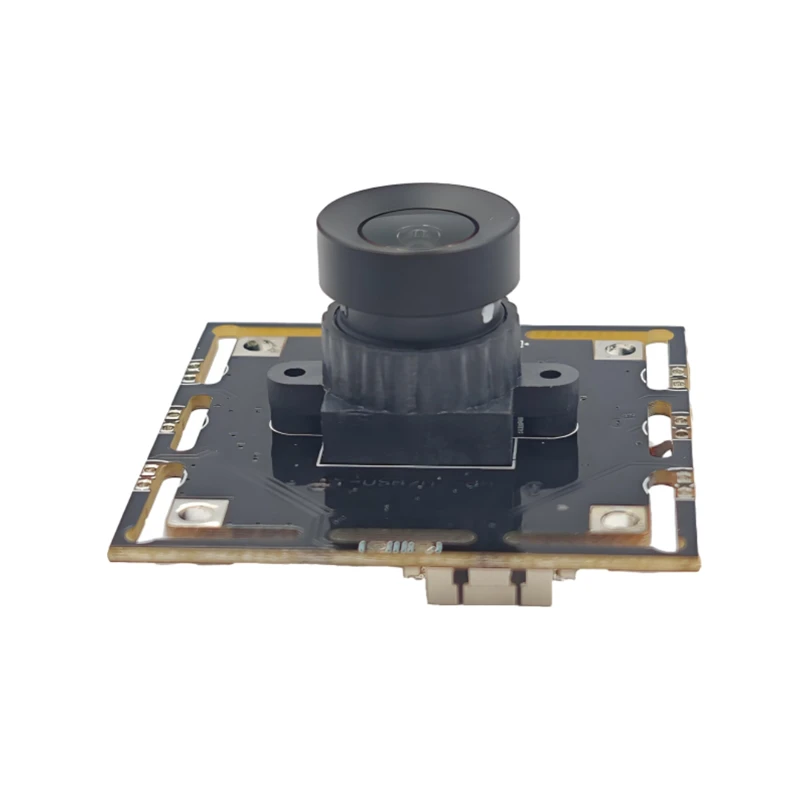
MY-USB1M818A Global Exposure Usb Camera Module With 1mp Hd Video
-
-
-
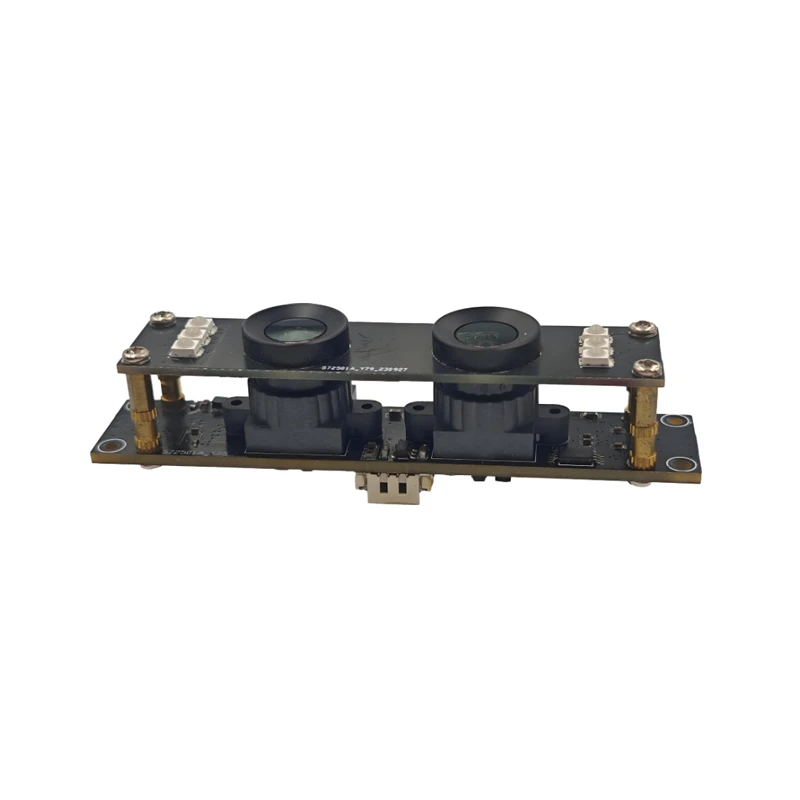
MY-DC52M-A1 Dual Lens Wide Dynamic Range Usb2.0 Camera Module With HD Video 5mp+2mp
-
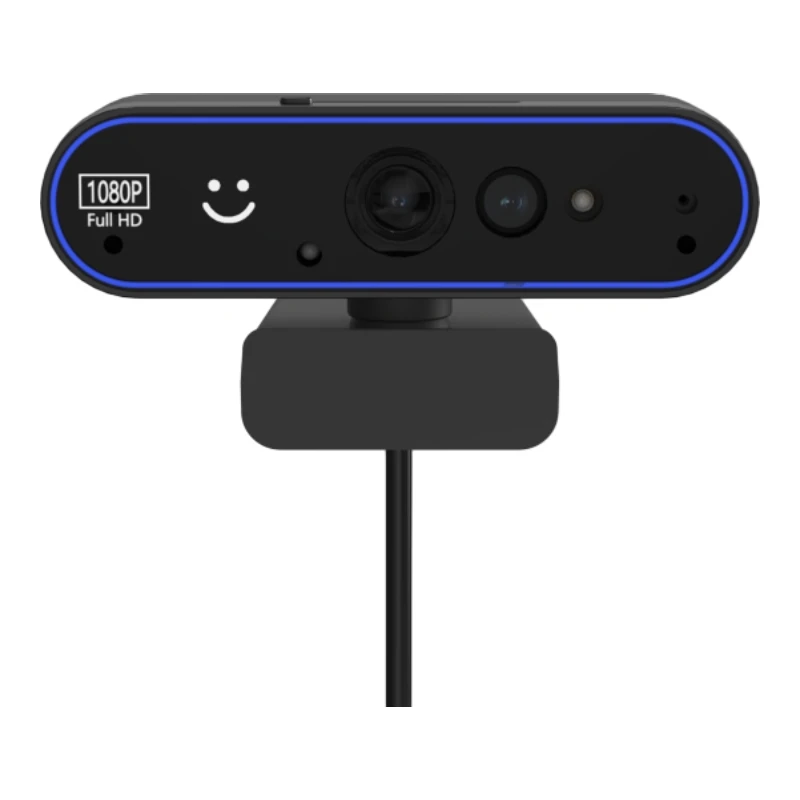
MY-WHC700 Windows Hello Face Recognition Binocular USB Camera
-
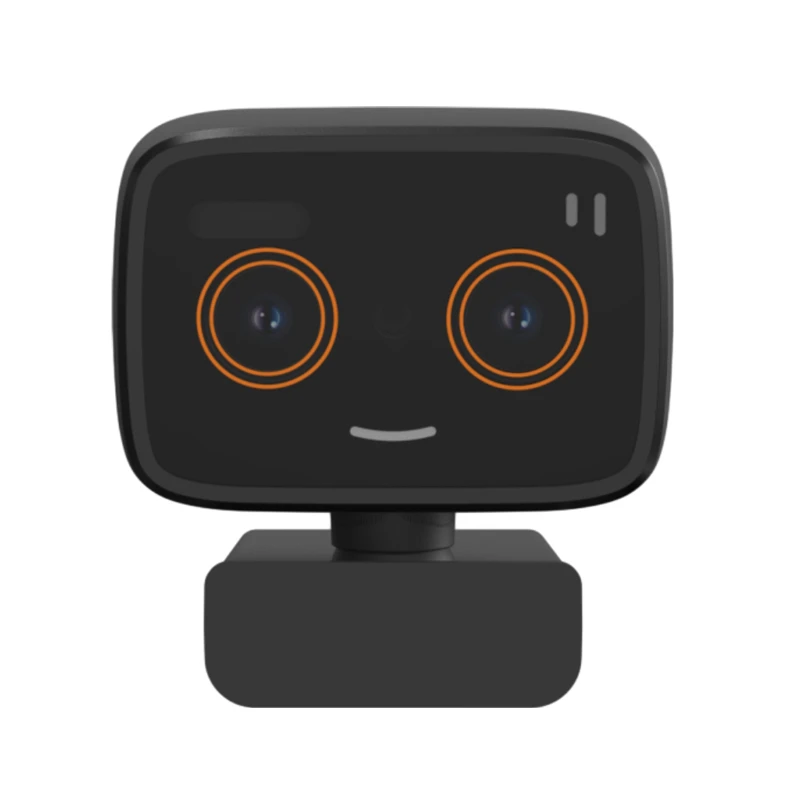
MY-DC-260-A1 Dual Lens Usb2.0 Web Camera With High-definition Video 2mp+2mp
-
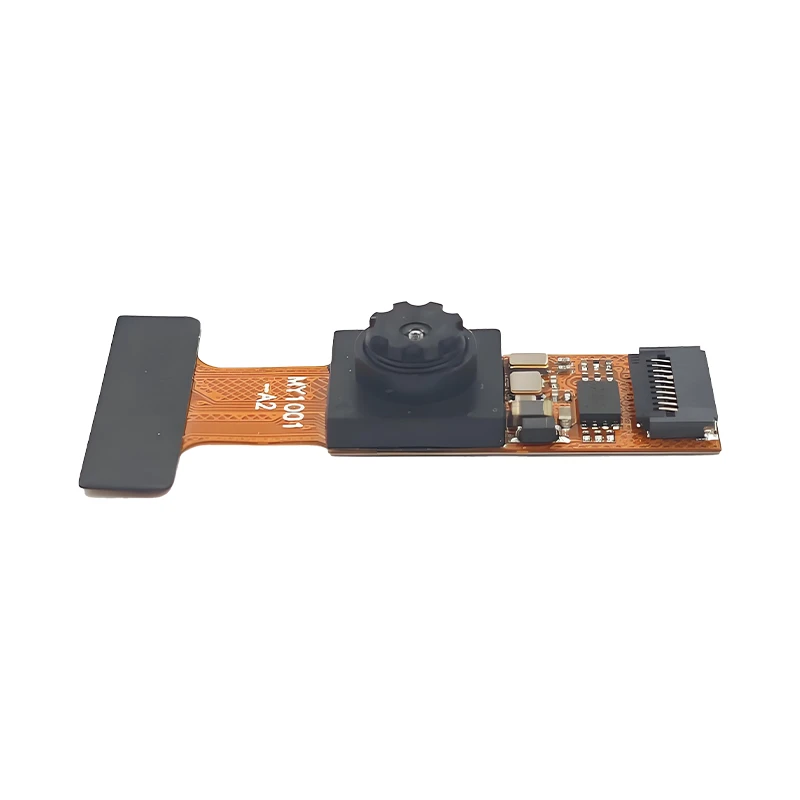
MY-1001-A2 AI Tracking, Gesture Recognition, Sitting Posture Detection Smart Camera Module
-
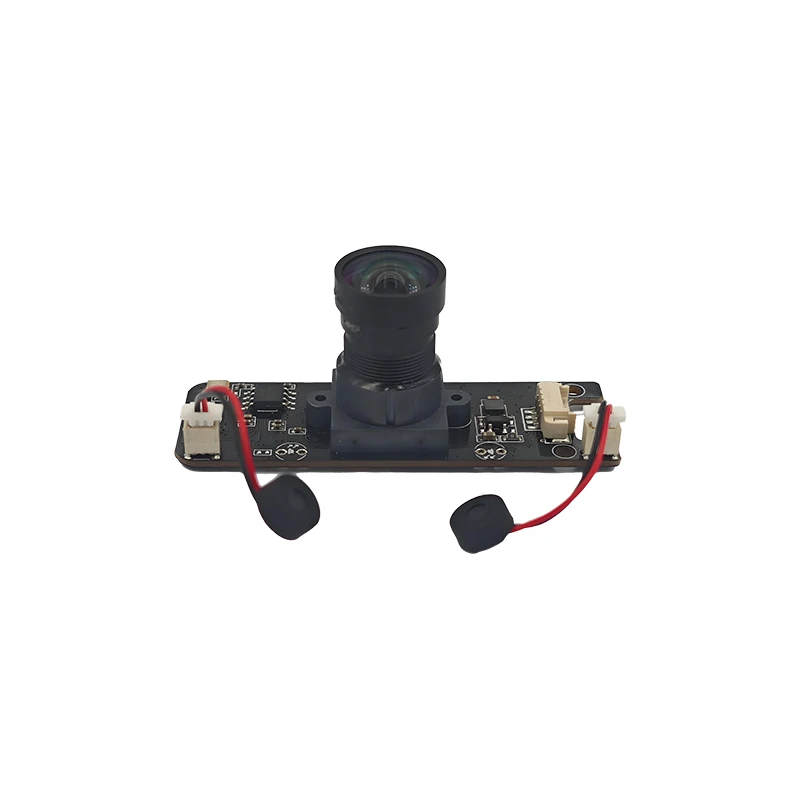
MY-USB8M158A 4K Resolution HD Video Driver-Free USB Camera Module With Microphone
