


Mar . 31, 2026 02:25 Back to list
Raspberry Pi Noir Camera Module V2 8MP 1080p30 A Comprehensive Guide for Projects
Raspberry Pi Noir Camera Module V2 8MP 1080p30: A Comprehensive Guide
The Raspberry Pi Noir Camera Module V2 8MP 1080p30 is a versatile and affordable camera solution for a wide range of projects. From surveillance systems and time-lapse photography to computer vision applications and robotics, this camera module offers excellent performance and flexibility. This article provides an in-depth look at its features, specifications, applications, and benefits. Whether you're a seasoned developer or a beginner, this guide will help you understand how to leverage the power of this compact camera. We'll explore why it's a popular choice among hobbyists and professionals alike.
Key Features of the Raspberry Pi Noir Camera V2
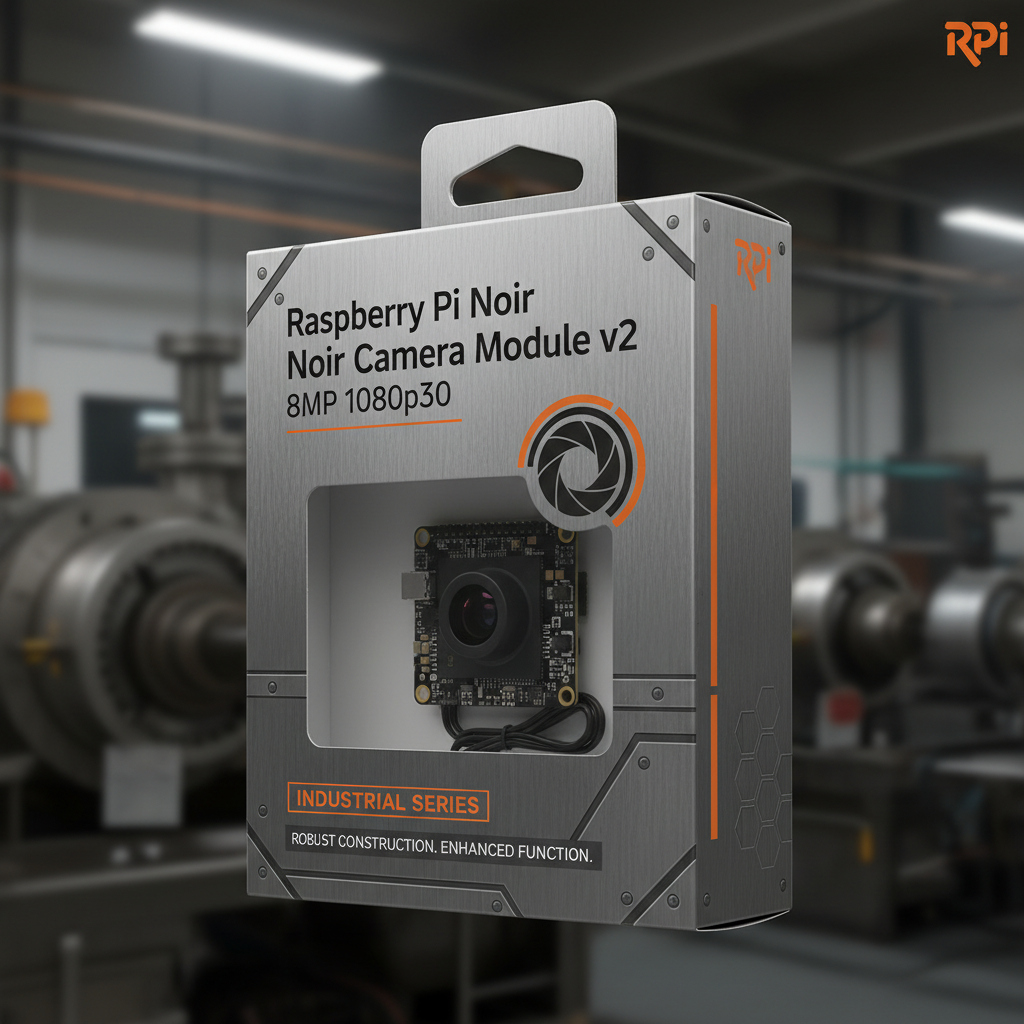
The Raspberry Pi Noir Camera V2 boasts an 8-megapixel sensor capable of capturing images at resolutions up to 3280x2464 pixels. It supports 1080p video recording at 30 frames per second, providing smooth and detailed footage. The "Noir" designation indicates its lack of an infrared filter, making it ideal for low-light and night vision applications when paired with an infrared illuminator. Its compact size and simple interface allow for easy integration into various projects. The camera connects directly to the Raspberry Pi's CSI (Camera Serial Interface) port, ensuring a stable and high-bandwidth connection. The Raspberry Pi Noir Camera V2 is an excellent choice for a multitude of applications.
Key Highlights: 8-megapixel sensor, 1080p30 video recording, no infrared filter for low-light performance, compact size, and easy CSI interface.
Understanding the 'Noir' Designation: Low-Light Capabilities
The absence of an infrared (IR) filter is what defines the 'Noir' version of this camera module. Standard cameras include IR filters to block infrared light, ensuring accurate color representation in typical lighting conditions. However, removing this filter allows the camera to capture infrared light, significantly enhancing its performance in low-light or complete darkness when used with an IR illuminator. This makes it ideal for applications such as security cameras, night vision systems, and wildlife monitoring. It's important to note that images captured with IR illumination will appear monochrome (black and white). The Raspberry Pi Noir Camera V2 unlocks possibilities in environments where traditional cameras struggle.
Infrared Capabilities Benefits:
• Enhanced visibility in low-light conditions
• Enables night vision functionality
• Ideal for security and surveillance applications
Raspberry Pi Noir Camera V2 8MP 1080p30: Technical Specifications
Here's a detailed look at the key specifications of the Raspberry Pi Noir Camera V2:
Applications of the Raspberry Pi Noir Camera V2
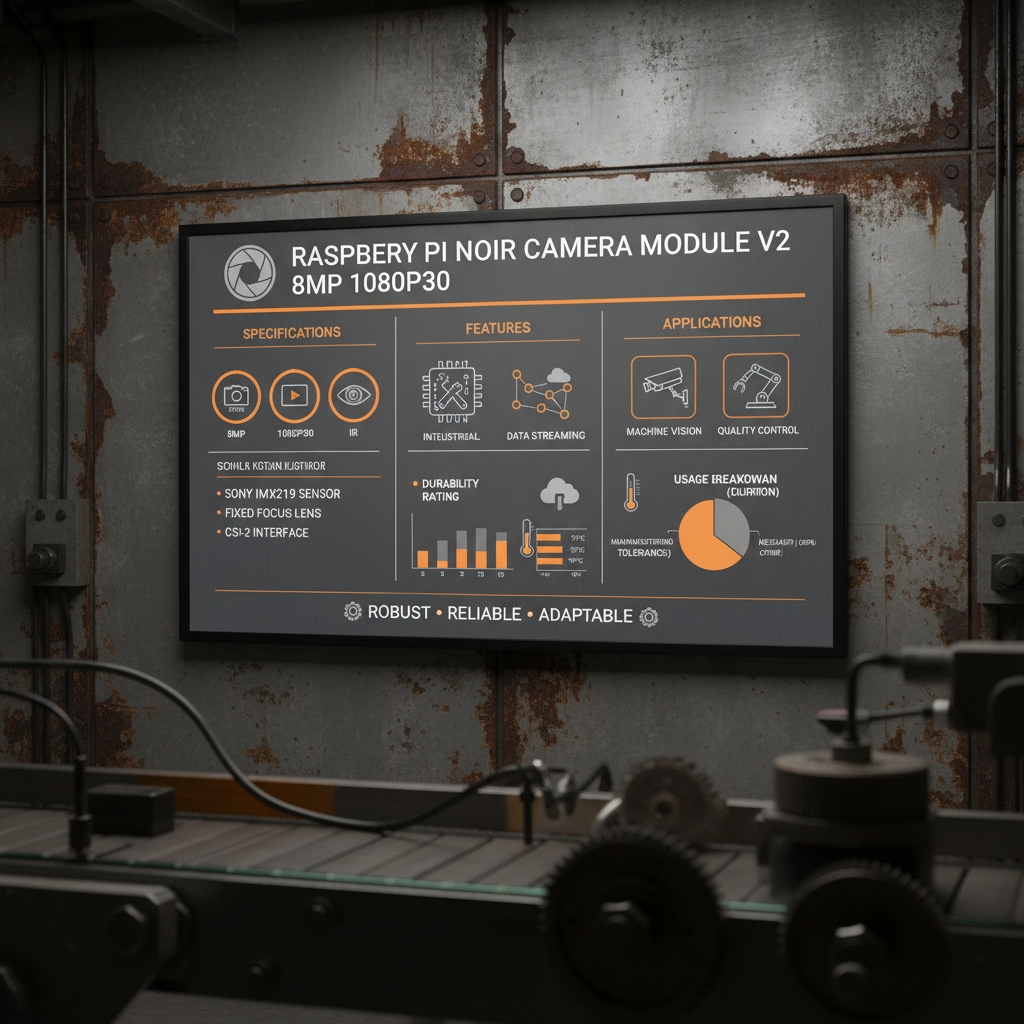
The versatility of the Raspberry Pi Noir Camera V2 lends itself to a vast range of applications. Common uses include home security systems, time-lapse photography projects, wildlife monitoring, robotics vision, and even industrial inspection. The ability to capture images and videos in low-light conditions makes it ideal for applications where traditional cameras fall short. Whether you're building a smart surveillance system or experimenting with computer vision algorithms, this camera module provides a reliable and cost-effective solution.
Choosing the Right Camera Module: Comparing Options
When selecting a camera module for your Raspberry Pi project, it’s important to consider your specific requirements. The standard Raspberry Pi Camera V2 offers full-color images and is suitable for well-lit environments. However, if low-light performance or night vision is critical, the Noir version is the clear choice. Other factors to consider include the desired resolution, frame rate, and field of view. The table below offers a quick comparison:
Conclusion: Unleash Your Creativity with the Raspberry Pi Noir Camera V2
The Raspberry Pi Noir Camera V2 8MP 1080p30 is a powerful and versatile tool for a wide range of projects. Its low-light capabilities, combined with its affordability and ease of use, make it an excellent choice for hobbyists, developers, and professionals alike. Explore the possibilities and unlock your creativity with this compact and capable camera module.
Frequently Asked Questions (FAQs)
What is the CSI interface and how do I connect the camera to my Raspberry Pi?
The CSI (Camera Serial Interface) is a dedicated interface on the Raspberry Pi designed for connecting camera modules. It provides a high-bandwidth, low-latency connection for optimal image and video transfer. To connect the camera, carefully align the ribbon cable connector on the camera module with the CSI port on your Raspberry Pi. Gently insert the cable, ensuring it is firmly seated. You may need to release the locking mechanism on the CSI port before inserting the cable. After connecting the cable, you'll need to enable the camera interface in the Raspberry Pi configuration settings using the `raspi-config` tool. Detailed instructions can be found in the official Raspberry Pi documentation.
Can I use this camera module with an infrared illuminator?
Yes, absolutely! The Raspberry Pi Noir Camera V2 is specifically designed to be used with an infrared (IR) illuminator. Since it lacks an IR filter, it can capture the infrared light emitted by the illuminator, allowing you to see in complete darkness. When using an IR illuminator, the resulting images will be monochrome. Ensure the IR illuminator is compatible with your Raspberry Pi's power supply and that it provides sufficient illumination for your desired range.
What software is required to use the camera module?
The Raspberry Pi OS comes with pre-installed drivers and software for the camera module, including `libcamera` and `picamera2`. These libraries provide Python APIs for capturing images and videos. You can use these libraries to write your own custom applications or integrate the camera into existing projects. Additionally, there are many third-party software options available, such as MotionEyeOS for creating surveillance systems and OpenCV for computer vision tasks. You can explore a variety of tutorials and examples online to get started.
Is the Raspberry Pi Noir Camera V2 waterproof?
No, the Raspberry Pi Noir Camera V2 is not waterproof. It is designed for indoor use or for use in protected environments. Exposure to moisture can damage the camera module. If you need to use the camera in wet conditions, you will need to provide additional protection, such as a waterproof enclosure. Be sure the enclosure does not obstruct the lens or interfere with the camera's performance.
-
Guide to Raspberry Pi Camera Module v3 with Powered Autofocus
NewsApr.16,2026
-
Guide to Using the raspberry pi camera module v1 3 for IoT Projects
NewsApr.09,2026
-
Exploring the Capabilities of the Raspberry Pi Camera Module 3 Noir for Diverse Applications
NewsApr.07,2026
-
Unlocking Visual Potential with the Raspberry Pi Camera Module 3 for Advanced Projects
NewsApr.04,2026
-
Comprehensive Guide to the Raspberry Pi 3 B+ Camera Module and Its Applications
NewsMar.28,2026
-

MY-USB1M818A Global Exposure Usb Camera Module With 1mp Hd Video
-

-

-

MY-DC52M-A1 Dual Lens Wide Dynamic Range Usb2.0 Camera Module With HD Video 5mp+2mp
-

MY-WHC700 Windows Hello Face Recognition Binocular USB Camera
-

MY-DC-260-A1 Dual Lens Usb2.0 Web Camera With High-definition Video 2mp+2mp
-

MY-1001-A2 AI Tracking, Gesture Recognition, Sitting Posture Detection Smart Camera Module
-

MY-USB8M158A 4K Resolution HD Video Driver-Free USB Camera Module With Microphone
