

Jun . 23, 2026 05:05 Back to list
Understanding USB 2.0 UVC Standard for Plug and Play Video
Understanding USB 2.0 UVC: The Standard for Plug-and-Play Video
In the modern era of digital communication, the demand for seamless video integration has never been higher. Whether it is for industrial inspection, medical imaging, or consumer webcams, the usb 2.0 uvc standard provides the foundational technology that makes "plug-and-play" a reality. UVC, or USB Video Class, allows devices to communicate with a host computer without requiring custom drivers, simplifying the deployment of imaging systems across various operating systems. By leveraging the stability of USB 2.0, these devices offer a reliable balance between power consumption and data throughput. In this guide, we will explore how this technology works and why it remains a critical choice for many professional applications.

How USB 2.0 UVC Technology Works
The core strength of usb 2.0 uvc lies in its standardization. Traditionally, every camera required a specific driver to translate the hardware signal into a format the OS could understand. UVC changes this by defining a standard set of commands and data formats. When a UVC-compliant device is plugged into a USB 2.0 port, the operating system recognizes it as a standard video device and automatically loads a generic driver. This eliminates the friction of software installation and ensures that high-quality video streams are available instantly. This architecture is particularly beneficial for embedded systems and IoT devices where manual driver updates are impractical.
Key Technical Insight: UVC devices typically support formats like MJPEG or YUY2, allowing them to compress video data in real-time to fit within the 480 Mbps bandwidth limit of USB 2.0.
The Advantages of Using usb 2.0 uvc in Industry
Industries ranging from telemedicine to automated quality control rely on usb 2.0 uvc because of its versatility and cost-effectiveness. Unlike specialized camera interfaces (like CameraLink or GigE), USB 2.0 is ubiquitous. This means hardware engineers can integrate cameras into existing PC architectures without adding expensive interface cards. Furthermore, the power delivery over the USB cable removes the need for external power supplies in many cases, reducing cable clutter and simplifying the overall system design. The stability of the UVC protocol ensures that frame rates remain consistent, which is vital for real-time monitoring.
Comparing USB 2.0 UVC with USB 3.0 and Other Interfaces
While USB 3.0 offers significantly higher speeds, usb 2.0 uvc remains highly relevant for applications that do not require 4K resolution or ultra-high frame rates. For many industrial sensors, 1080p at 30fps is more than sufficient. USB 2.0 devices are often more compatible with older legacy systems and typically consume less power, making them ideal for battery-operated portable devices. The table below highlights the trade-offs between these standards.
Implementation Scenarios for USB 2.0 UVC Modules
The flexibility of usb 2.0 uvc modules makes them ideal for a variety of creative and technical integrations. In medical fields, they are used for digital otoscopes and endoscopes, where the small form factor and driverless nature allow for quick transitions between patients. In the automotive sector, they serve as backup cameras and driver monitoring systems. Because these modules are designed to be integrated, they often come in compact sizes that fit into tight enclosures.

Technical Specifications of a Typical UVC Device
When selecting a usb 2.0 uvc camera, it is important to look at the technical specifications to ensure it meets your application's needs. Key parameters include the sensor resolution, the frame rate at specific resolutions, and the supported output formats. Most UVC cameras are designed to be compatible with Windows, macOS, and Linux without any modification. Below is a representative specification table for a professional-grade UVC module.
Conclusion: The Lasting Value of USB 2.0 UVC
Despite the emergence of faster standards, usb 2.0 uvc remains a cornerstone of the imaging industry. Its ability to provide immediate, driverless connectivity makes it the gold standard for developers who prioritize rapid deployment and broad compatibility. Whether you are designing a new industrial tool or updating an existing system, the reliability and simplicity of UVC ensure a low-risk, high-reward integration. When quality and ease of use are the goals, UVC is the definitive choice.
Frequently Asked Questions (FAQs)
What does UVC actually stand for and why is it important?
UVC stands for USB Video Class. It is a standard defined by the USB Implementers Forum (USB-IF) that allows video devices, such as webcams and industrial camera modules, to function as standard devices across different operating systems. The importance of UVC lies in its "driverless" nature; because the OS already has a built-in UVC driver, the user does not need to search for, download, or install specific software to make the camera work. This significantly reduces the time and cost associated with system integration and end-user setup.
Can a USB 2.0 UVC camera support 1080p resolution?
Yes, a usb 2.0 uvc camera can certainly support 1080p resolution. However, because raw 1080p video would exceed the 480 Mbps bandwidth of USB 2.0, these cameras use compression. Most commonly, they utilize MJPEG (Motion JPEG) or H.264 compression to shrink the data stream before it is sent over the USB cable. Once it reaches the computer, the CPU or GPU decompresses the signal. This allows for high-definition video while maintaining a smooth frame rate without needing the higher bandwidth of USB 3.0.
Is UVC compatible with Linux and Android?
Absolutely. One of the primary advantages of the UVC standard is its cross-platform compatibility. Since Linux and Android have native support for the USB Video Class, any UVC-compliant device will be recognized as a camera as soon as it is connected. This makes UVC an ideal choice for developers working with Raspberry Pi, Jetson Nano, or Android-based tablets and kiosks. It ensures that the hardware layer remains consistent regardless of the software environment, facilitating much faster development cycles for complex projects.
What is the difference between YUY2 and MJPEG in UVC cameras?
YUY2 is an uncompressed (or minimally compressed) format that provides higher image quality and lower latency but requires significantly more bandwidth. Because of this, USB 2.0 cameras can usually only achieve low resolutions or very low frame rates when using YUY2. MJPEG, on the other hand, compresses each frame as a JPEG image. This dramatically reduces the bandwidth required, allowing the camera to stream 1080p video at 30fps over a USB 2.0 connection. Most professional applications choose MJPEG for the balance of resolution and fluid motion.
-
5MP USB Camera Module Comparison: Single-Lens or Dual-Lens Design?
NewsNov.02,2026
-
MY-DC52M-A1 Dual Lens Wide Dynamic Range Usb2.0 Camera Module With HD Video 5mp+2mp FAQ
NewsOct.31,2026
-
Choosing MY-USB-2-4M898A V2: Application Fit and Specification Checks
NewsOct.22,2026
-
High Resolution Imaging with raspberry pi camera module v2 1
NewsJul.01,2026
-
Guide to Using the Raspberry Pi Camera Module v2 for AI Projects
NewsJun.29,2026
-
Best Raspberry Pi Camera Module 2 Alternative for High Speed Imaging
NewsJun.27,2026
-
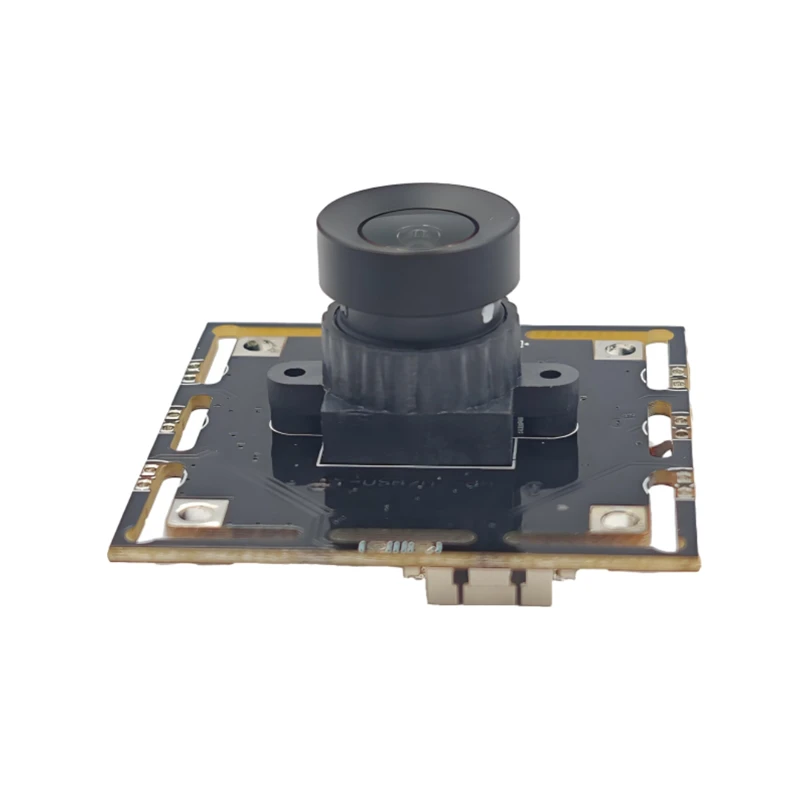
MY-USB1M818A Global Exposure Usb Camera Module With 1mp Hd Video
-
-
-
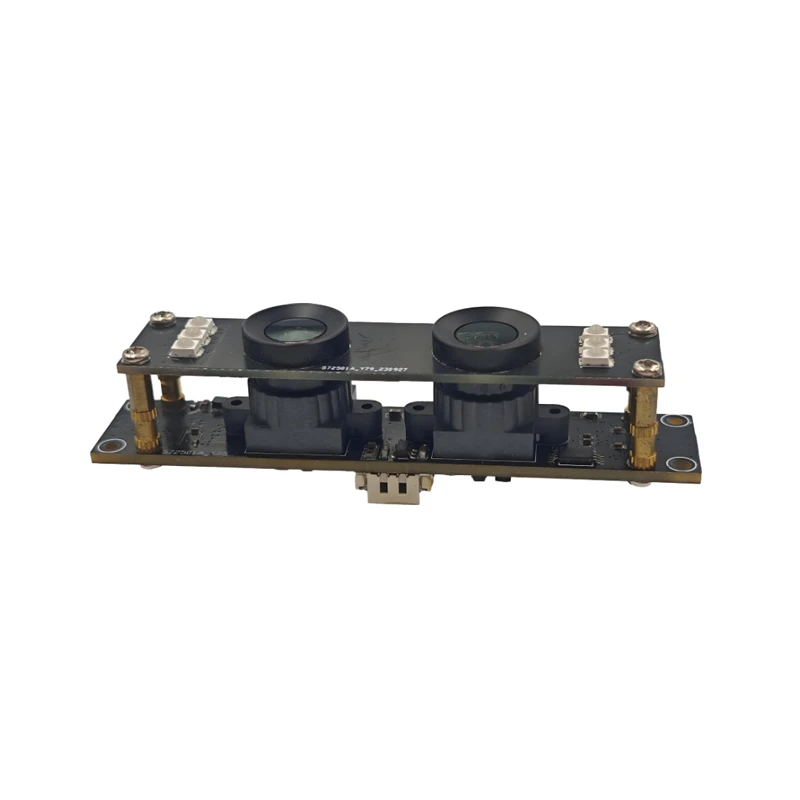
MY-DC52M-A1 Dual Lens Wide Dynamic Range Usb2.0 Camera Module With HD Video 5mp+2mp
-
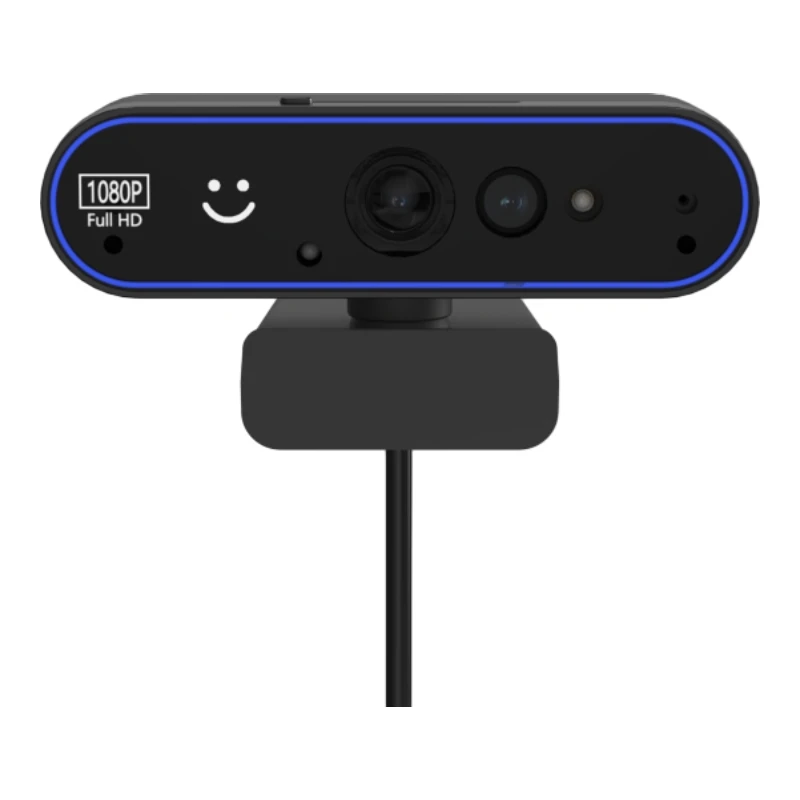
MY-WHC700 Windows Hello Face Recognition Binocular USB Camera
-
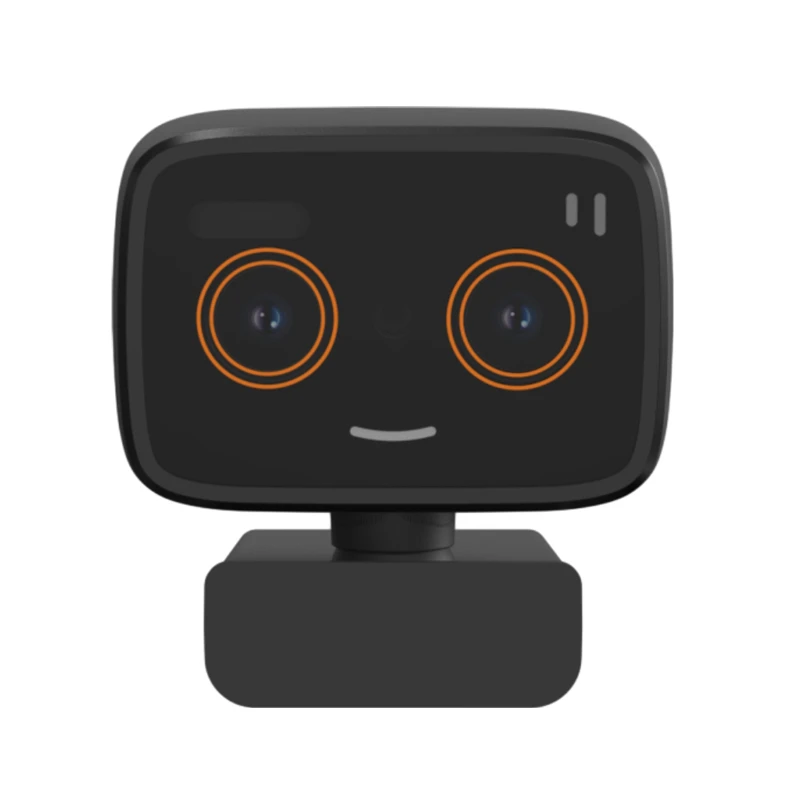
MY-DC-260-A1 Dual Lens Usb2.0 Web Camera With High-definition Video 2mp+2mp
-
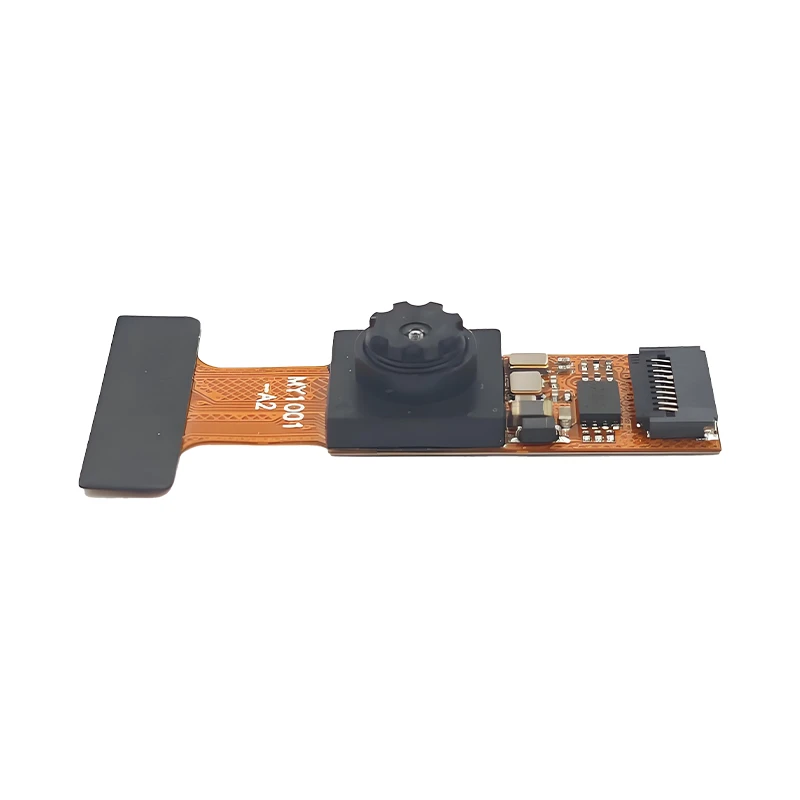
MY-1001-A2 AI Tracking, Gesture Recognition, Sitting Posture Detection Smart Camera Module
-
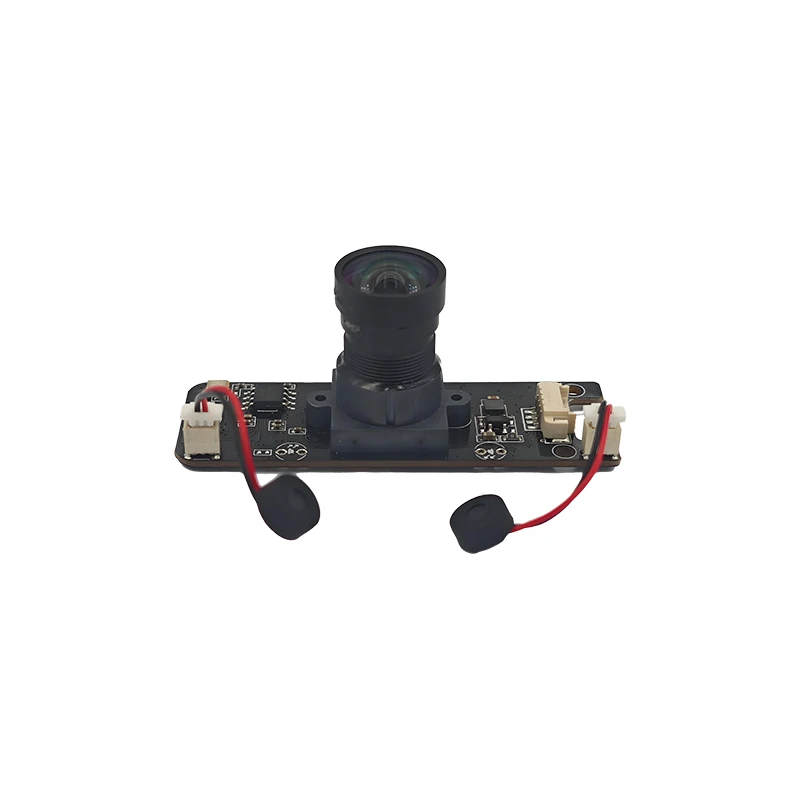
MY-USB8M158A 4K Resolution HD Video Driver-Free USB Camera Module With Microphone
