


Jan . 27, 2026 22:05 Back to list
Enhance Your Communication with a HighQuality 1080p Webcam Built in Microphone Web Camera
Choosing the Right 1080p Webcam with Built-In Microphone
In today's increasingly digital world, a high-quality 1080p webcam built-in microphone is essential for professional video conferencing, streaming, and remote work. Selecting the best webcam can significantly enhance your online communication and create a more polished impression. This article will guide you through the key features, benefits, and considerations when choosing a webcam, helping you find the perfect solution for your needs. Whether you're a business professional, content creator, or simply want to stay connected with friends and family, a reliable webcam is a vital tool. You can explore a wide range of options at szmyccm.com.
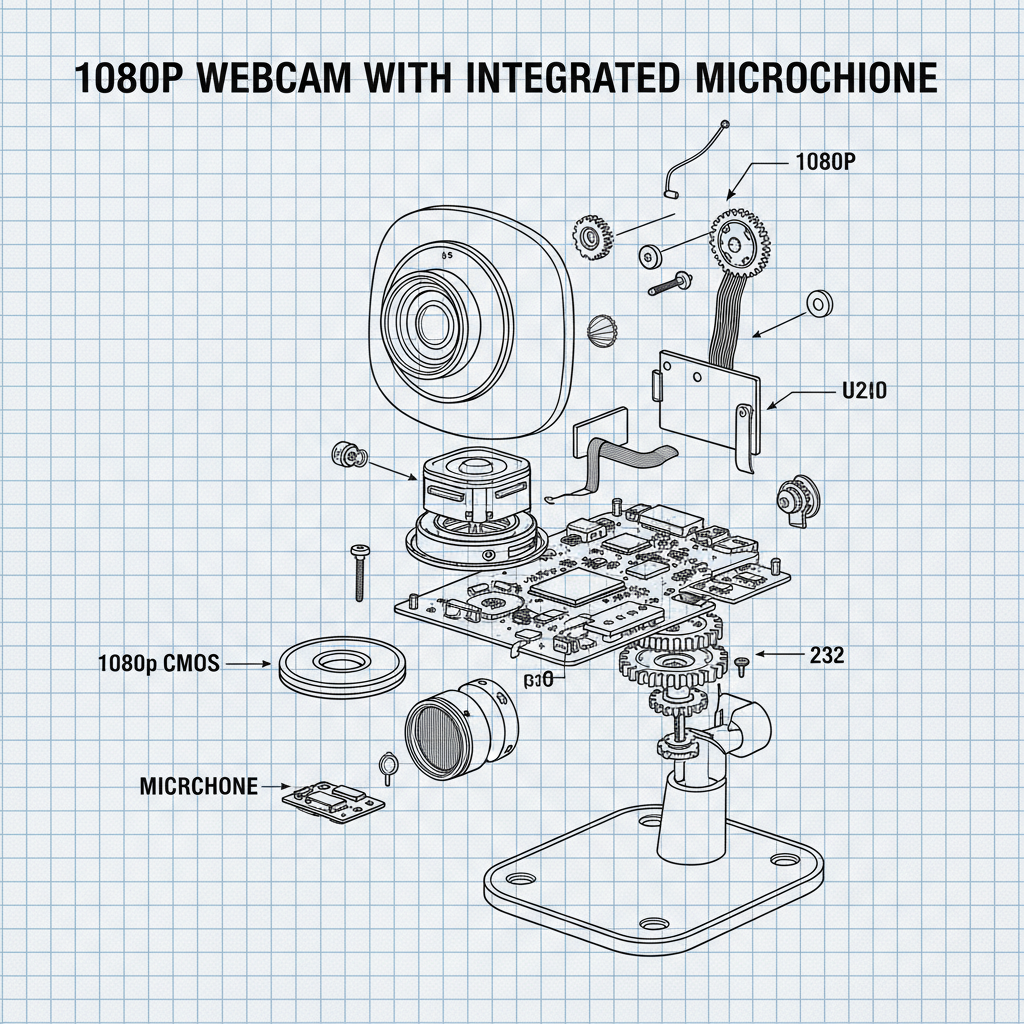
Key Features of a 1080p Webcam Built-In Microphone
A 1080p webcam built-in microphone offers a substantial upgrade over standard webcams, delivering sharper video quality and clearer audio. The "1080p" resolution refers to 1920x1080 pixels, providing a detailed and crisp image. A built-in microphone eliminates the need for a separate headset, simplifying your setup and reducing clutter. Beyond resolution and audio, important features to consider include autofocus, low-light correction, field of view, and privacy shutter. Autofocus ensures you remain sharp even when moving, while low-light correction improves image quality in dimly lit environments. The field of view determines how much of your surroundings are captured, and a privacy shutter provides peace of mind by blocking the camera when not in use. Browse our selection of webcams with these features at szmyccm.com.
Key Highlights: High-resolution 1080p video, integrated microphone for clear audio, autofocus for sharp images, and privacy shutter for security.
Understanding Resolution: 720p vs. 1080p Webcams
The resolution of a webcam significantly impacts the clarity and detail of your video. 720p webcams offer a resolution of 1280x720 pixels, which is adequate for basic video calls. However, a 1080p webcam built-in microphone provides a much sharper and more detailed image, making it ideal for professional use, streaming, and content creation. The difference is particularly noticeable on larger screens. While 1080p webcams require more bandwidth and processing power, the improved image quality is generally worth the investment. Here's a quick comparison:
Resolution Comparison:
• 720p: 1280x720 pixels - Suitable for basic video calls.
• 1080p: 1920x1080 pixels - Ideal for professional use, streaming, and content creation.
• Bandwidth: 1080p requires more bandwidth than 720p.
• Image Quality: 1080p offers significantly sharper and more detailed images.
Choosing the Right Microphone for Your Webcam
While a 1080p webcam built-in microphone is convenient, the quality of the microphone can vary. Look for webcams with noise-canceling microphones, which reduce background noise and ensure your voice is clear and audible. Some webcams also offer stereo audio, providing a more immersive sound experience. If you require exceptionally high audio quality, consider a webcam with an external microphone input, allowing you to connect a dedicated microphone. Remember, clear audio is just as important as clear video for effective communication.
Applications of a 1080p Webcam with Built-In Microphone
A 1080p webcam built-in microphone is versatile and can be used in a wide range of applications. Remote work and video conferencing are primary use cases, ensuring clear communication with colleagues and clients. Content creators can use webcams for live streaming, recording videos, and creating tutorials. Online educators can deliver engaging lessons and interact with students effectively. Even for personal use, webcams facilitate video calls with loved ones and enhance the online experience. Discover the possibilities at szmyccm.com.
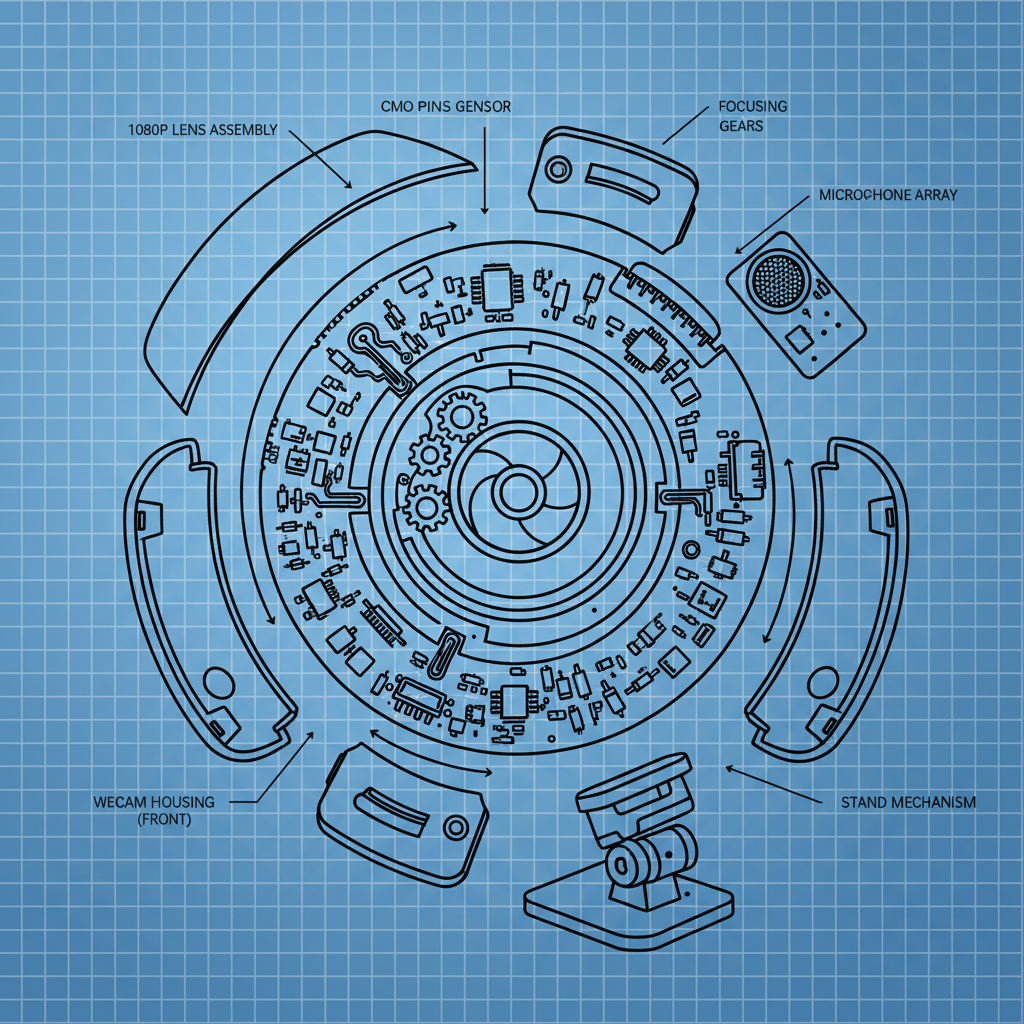
Product Specifications and Considerations
When choosing a 1080p webcam built-in microphone, consider these key specifications. Field of view (FOV) typically ranges from 60 to 90 degrees, affecting how much of your surroundings are visible. Frame rate (fps) indicates how smoothly the video appears; 30fps is standard, while 60fps provides a more fluid experience. Autofocus capabilities and low-light performance are also crucial. Ensure the webcam is compatible with your operating system and preferred video conferencing platforms.
Conclusion: Enhance Your Digital Presence with a Quality Webcam
Investing in a 1080p webcam built-in microphone is a smart choice for anyone seeking to improve their online communication and create a professional impression. With a wide range of features and options available, you can find the perfect webcam to meet your specific needs and budget. Explore our premium selection at szmyccm.com and elevate your digital experience.
Frequently Asked Questions (FAQs)
What is the optimal lighting for using a 1080p webcam?
Good lighting is crucial for a clear and professional-looking video. Avoid harsh backlighting, which can make you appear as a silhouette. Instead, opt for soft, diffused lighting that illuminates your face evenly. A ring light or a desk lamp positioned in front of you can significantly improve image quality. Natural light is also excellent, but ensure it's not too bright or causing glare. Experiment with different lighting setups to find what works best for your environment.
How do I adjust the webcam settings for optimal performance?
Most webcams come with software that allows you to adjust settings such as brightness, contrast, saturation, and white balance. Experiment with these settings to find the optimal configuration for your lighting conditions and preferences. You can also adjust the frame rate and resolution. Higher resolutions require more bandwidth, so consider lowering the resolution if you experience lag or performance issues. Make sure your webcam drivers are up to date for the best compatibility and performance.
Can I use an external microphone with my webcam?
Some 1080p webcams built-in microphone offer an external microphone input, allowing you to connect a dedicated microphone for superior audio quality. This is a great option if you need professional-grade audio for recordings or streaming. Even if your webcam doesn't have a dedicated input, you can often use a USB sound card or adapter to connect an external microphone. Using an external microphone can significantly improve the clarity and quality of your audio.
How do I ensure my privacy when using a webcam?
Privacy is a valid concern when using a webcam. Look for webcams with a built-in privacy shutter, which allows you to physically block the camera lens when not in use. You can also disable the webcam in your operating system settings or use webcam blocking software. Be mindful of the websites and applications you grant access to your webcam and regularly review your privacy settings.
-
Guide to Raspberry Pi Camera Module v3 with Powered Autofocus
NewsApr.16,2026
-
Guide to Using the raspberry pi camera module v1 3 for IoT Projects
NewsApr.09,2026
-
Exploring the Capabilities of the Raspberry Pi Camera Module 3 Noir for Diverse Applications
NewsApr.07,2026
-
Unlocking Visual Potential with the Raspberry Pi Camera Module 3 for Advanced Projects
NewsApr.04,2026
-
Raspberry Pi Noir Camera Module V2 8MP 1080p30 A Comprehensive Guide for Projects
NewsMar.31,2026
-
Comprehensive Guide to the Raspberry Pi 3 B+ Camera Module and Its Applications
NewsMar.28,2026
-

MY-USB1M818A Global Exposure Usb Camera Module With 1mp Hd Video
-

-

-

MY-DC52M-A1 Dual Lens Wide Dynamic Range Usb2.0 Camera Module With HD Video 5mp+2mp
-

MY-WHC700 Windows Hello Face Recognition Binocular USB Camera
-

MY-DC-260-A1 Dual Lens Usb2.0 Web Camera With High-definition Video 2mp+2mp
-

MY-1001-A2 AI Tracking, Gesture Recognition, Sitting Posture Detection Smart Camera Module
-

MY-USB8M158A 4K Resolution HD Video Driver-Free USB Camera Module With Microphone
