


Jan . 27, 2026 19:26 Back to list
High Quality 1080p 60fps Webcam No Microphone for Professional Streaming
Choosing the Right 1080p 60fps Webcam No Microphone: A Comprehensive Guide
In today’s remote-first world, a high-quality webcam is essential for professional video conferencing, live streaming, and content creation. If you're seeking a webcam focused solely on video quality – meaning you prefer to utilize an external microphone setup or rely on your device's built-in audio – a 1080p 60fps webcam no microphone is an excellent choice. This article will explore the benefits, key features to consider, and how to select the best webcam to meet your specific needs. We'll cover everything from frame rates and resolution to compatibility and mounting options, ensuring you make an informed purchase.
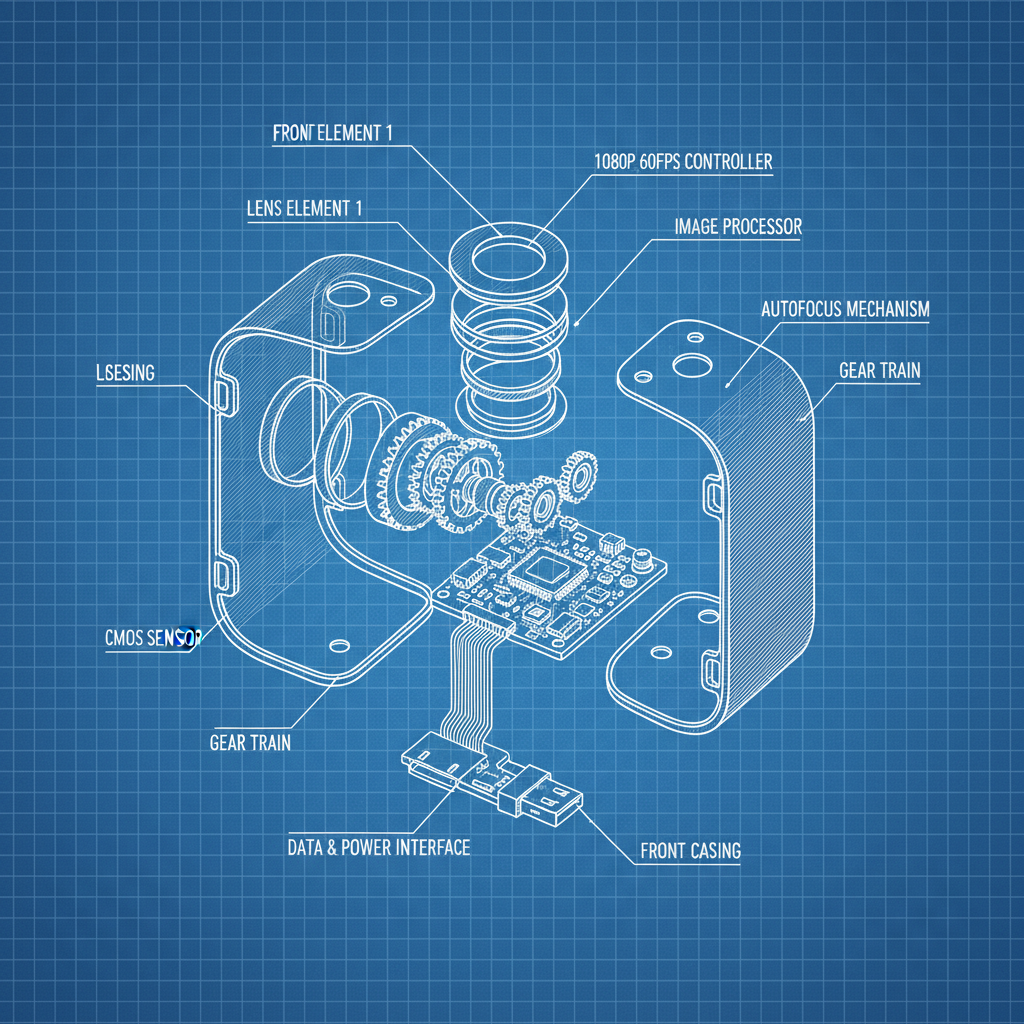
Why Choose a 1080p 60fps Webcam Without a Microphone?
Opting for a webcam without an integrated microphone offers several advantages. Primarily, it allows you to connect a dedicated, higher-quality microphone – such as a USB microphone or a professional XLR setup – for superior audio fidelity. This is particularly important for content creators, podcasters, and anyone prioritizing professional-grade audio. A separate microphone also gives you greater control over audio placement and noise reduction. Furthermore, eliminating the onboard microphone can reduce potential interference and improve overall video clarity. Many users also prefer this option for privacy reasons, avoiding potential unauthorized recording via the webcam's microphone.
Key Benefit: Superior audio quality when paired with a dedicated microphone, enhanced privacy, and reduced potential for interference.
Understanding 1080p and 60fps: The Core Specifications
The terms "1080p" and "60fps" are crucial when evaluating webcam performance. 1080p (1920x1080 pixels) refers to the resolution – the number of pixels that make up the image. A higher resolution equates to a sharper, more detailed picture. 60fps (frames per second) indicates how many images the webcam captures and displays each second. A higher frame rate results in smoother, more fluid motion, especially noticeable during fast-paced activities or movement. For professional video conferencing and streaming, 1080p 60fps is the sweet spot, offering a balance between image quality and bandwidth requirements. Lower frame rates (like 30fps) can appear choppy, while higher resolutions (like 4K) may demand more processing power and internet bandwidth.
Resolution and Frame Rate Breakdown:
• 1080p: 1920x1080 pixels – Sharp, detailed image.
• 60fps: 60 frames per second – Smooth, fluid motion.
• 30fps: Adequate for basic video calls, but can appear choppy.
• 4K: Highest resolution, demanding on processing and bandwidth.
Key Features to Consider When Buying a 1080p 60fps Webcam No Microphone
Beyond resolution and frame rate, several other features contribute to a superior webcam experience. Autofocus ensures your image remains sharp even with movement. Low-light correction improves video quality in dimly lit environments. Field of view (FOV) determines how much of the surrounding area is captured – a wider FOV is ideal for group calls, while a narrower FOV focuses on you. Compatibility is essential; ensure the webcam works with your operating system (Windows, macOS, Linux) and preferred video conferencing software (Zoom, Microsoft Teams, Skype). Finally, consider the mounting options – clip-on, tripod-compatible, or magnetic base.
Top 1080p 60fps Webcams Without Microphones: A Quick Comparison
The market offers a variety of excellent 1080p 60fps webcams without integrated microphones. Some popular options include those from brands like Razer, Logitech, and OBSBOT. Each brand offers different features and price points. Consider your budget and specific needs when making your decision. For example, some webcams prioritize autofocus speed, while others excel in low-light performance. We at szmyccm.com provide a curated selection of high-quality webcams designed for professional use.
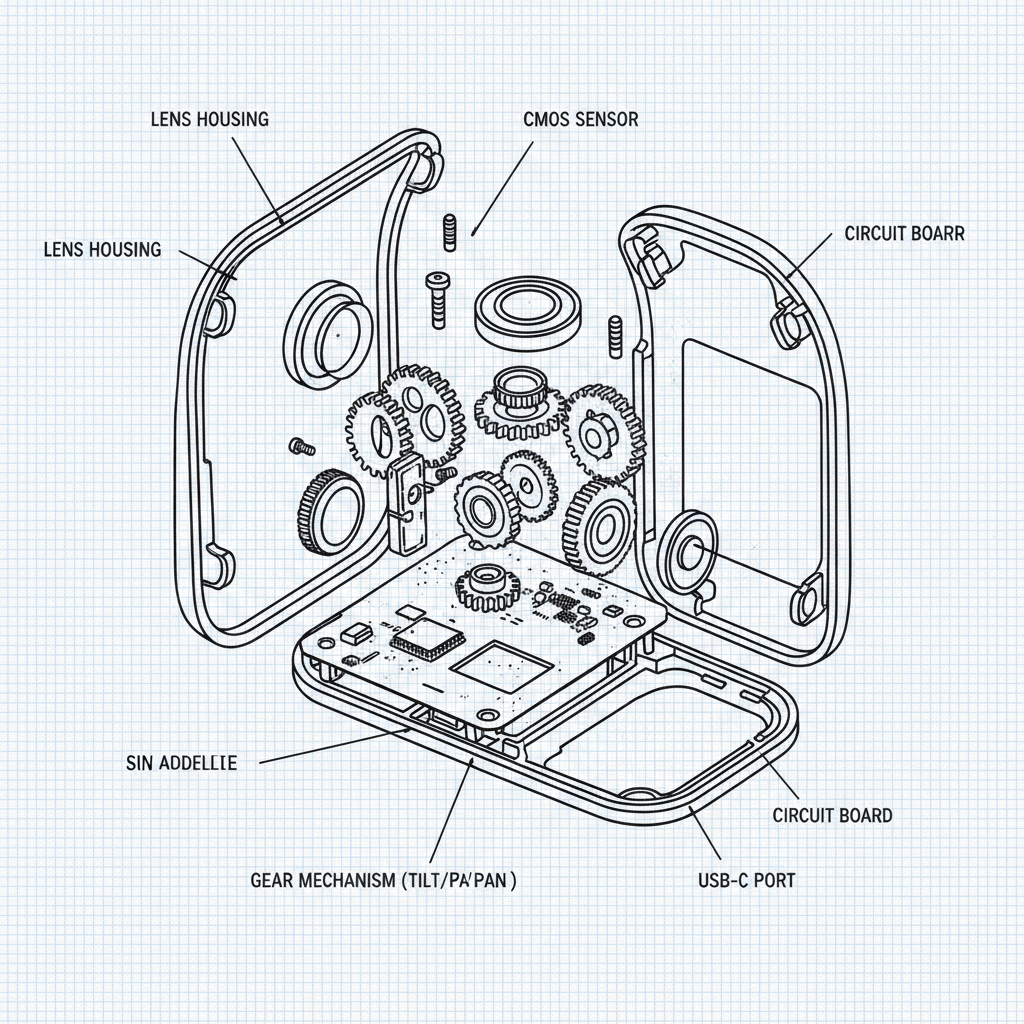
Setting Up Your 1080p 60fps Webcam: Tips and Tricks
Once you've chosen your webcam, proper setup is crucial. Ensure you have a stable mounting surface and adequate lighting. Adjust the webcam's position to frame your face appropriately. In your video conferencing software settings, select the webcam as your video source and configure the resolution and frame rate to 1080p 60fps. Experiment with the autofocus settings to find the optimal performance for your environment. Remember to test your setup before important meetings or streams to ensure everything is working correctly. The quality of your overall presentation depends on both the webcam and your supporting audio equipment.
Conclusion: Enhance Your Video Presence with the Right Webcam
Investing in a quality 1080p 60fps webcam no microphone is a smart move for anyone prioritizing video quality and audio flexibility. By understanding the key features, considering your specific needs, and following our setup tips, you can significantly enhance your video presence and create a professional impression. Don't settle for subpar video – choose a webcam that delivers.
Frequently Asked Questions (FAQs)
What is the optimal lighting for a 1080p 60fps webcam?
Good lighting is essential for a clear and professional-looking video. Ideally, you want soft, diffused lighting that illuminates your face evenly. Avoid harsh backlighting, which can create shadows. A ring light or a desk lamp with a diffuser can provide excellent results. Position the light source slightly in front of you and to the side. Experiment with different angles and intensities to find what works best for your environment. Natural light is also great, but ensure it's not too strong or causing glare.
Can I use a 1080p 60fps webcam with a Mac or a PC?
Most 1080p 60fps webcams are designed to be cross-platform compatible, working with both macOS and Windows operating systems. However, it's always a good idea to check the webcam’s specifications and ensure it lists compatibility with your specific operating system version. Typically, webcams use the UVC (USB Video Class) standard, which is widely supported by both platforms, requiring no additional drivers in many cases.
What type of microphone should I pair with a webcam without a built-in microphone?
The best microphone depends on your budget and needs. A USB microphone is a convenient and affordable option, offering plug-and-play simplicity. For professional-grade audio, consider an XLR microphone, which requires an audio interface. Condenser microphones are sensitive and capture detailed sound, while dynamic microphones are more robust and less prone to background noise. A headset microphone can be a good choice for voice chat and gaming. At szmyccm.com, we can offer advice about microphone pairings.
How do I clean my 1080p 60fps webcam lens?
To clean your webcam lens, use a microfiber cloth and gently wipe away any dust or smudges. Avoid using harsh cleaning chemicals or abrasive materials, as these can damage the lens coating. If necessary, lightly dampen the microfiber cloth with distilled water. Be sure to turn off the webcam before cleaning to prevent accidental activation. A clean lens ensures a clear and sharp image.
-
Guide to Raspberry Pi Camera Module v3 with Powered Autofocus
NewsApr.16,2026
-
Guide to Using the raspberry pi camera module v1 3 for IoT Projects
NewsApr.09,2026
-
Exploring the Capabilities of the Raspberry Pi Camera Module 3 Noir for Diverse Applications
NewsApr.07,2026
-
Unlocking Visual Potential with the Raspberry Pi Camera Module 3 for Advanced Projects
NewsApr.04,2026
-
Raspberry Pi Noir Camera Module V2 8MP 1080p30 A Comprehensive Guide for Projects
NewsMar.31,2026
-
Comprehensive Guide to the Raspberry Pi 3 B+ Camera Module and Its Applications
NewsMar.28,2026
-

MY-USB1M818A Global Exposure Usb Camera Module With 1mp Hd Video
-

-

-

MY-DC52M-A1 Dual Lens Wide Dynamic Range Usb2.0 Camera Module With HD Video 5mp+2mp
-

MY-WHC700 Windows Hello Face Recognition Binocular USB Camera
-

MY-DC-260-A1 Dual Lens Usb2.0 Web Camera With High-definition Video 2mp+2mp
-

MY-1001-A2 AI Tracking, Gesture Recognition, Sitting Posture Detection Smart Camera Module
-

MY-USB8M158A 4K Resolution HD Video Driver-Free USB Camera Module With Microphone
