

Nov . 16, 2026 00:49 Back to list
How to buy webcam with microphone for desktop calls and live video
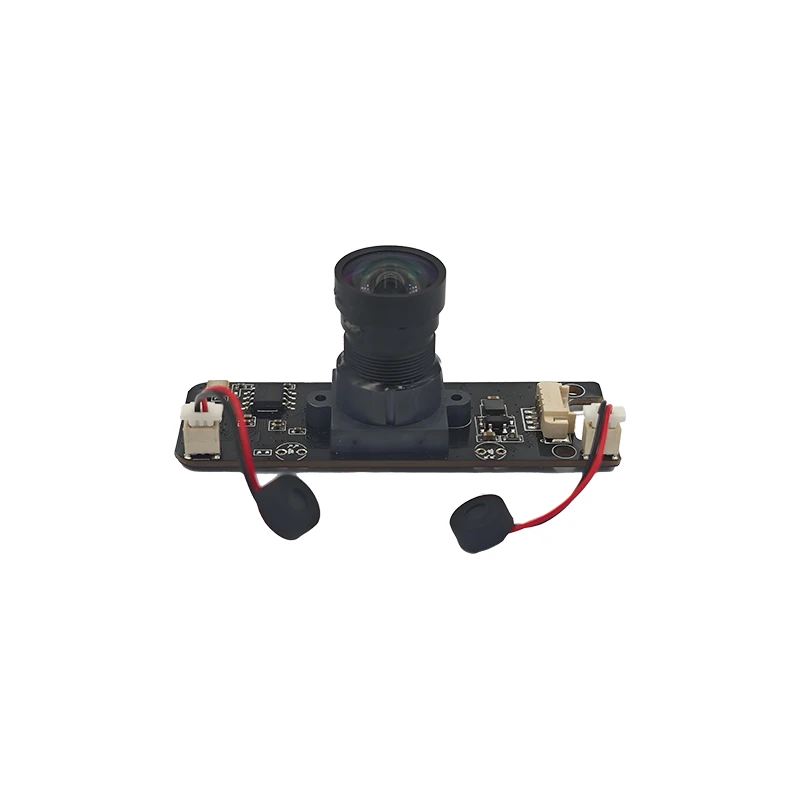
To buy a webcam with microphone for everyday desktop calls or live broadcasts, start with image resolution, viewing angle, focus behavior, audio pickup, connection method, and host-device compatibility. The MY-T200(1080P) combines 1920×1080 video, an 85° wide-angle lens, a built-in omnidirectional microphone, plug-and-play USB connection, and a horizontally rotating base for flexible desk placement.

A webcam purchase becomes easier when the camera, microphone, connection, and mounting arrangement match the way you work. If you want to buy webcam with microphone for desktop calls, laptop meetings, video conferencing, or live broadcasts, our MY-T200(1080P) brings those functions into one USB camera. The right choice depends on the framing you need, how much the speaker moves, and which computer or software will host the camera.
Start with the image and framing requirement
The MY-T200(1080P) provides 1920×1080 resolution. This gives the camera a clear Full HD image for video calls and live video where the viewer needs a recognizable face and a clean view of the speaker. It fits routine office communication, online meetings, and personal broadcasts that call for Full HD video.
Its 85° wide-angle field of view covers more of the area in front of the camera than a narrow view. That suits a desk setup where the speaker needs some surrounding space in the frame. The distortion-free wide-angle lens keeps the view suitable for these applications.
The camera uses fixed focus, with AF auto focus available as an option. Fixed focus suits a stable desk position where you sit at a consistent distance from the lens. Choose the AF option when the application involves changes in subject distance, such as moving during a live broadcast or adjusting position during a call. Confirm the required focus configuration when requesting the camera.
| Parameter | MY-T200(1080P) |
|---|---|
| Video resolution | 1920×1080 |
| Field of view | 85° wide angle |
| Focus | Fixed focus, AF auto focus optional |
| Microphone | Built-in omnidirectional microphone |
| Connection | USB, driver-free plug and play |
| Base movement | 360° horizontal rotation |
Choose MY-T200(1080P) for Full HD calls or broadcasts needing integrated audio and simple USB setup. Fixed focus suits a stable desk position; optional AF suits changing subject distance. The 85° view and rotating base fit users who need adjustable desktop framing. Confirm the host operating system, USB connection, and requested focus configuration before ordering.
Check the microphone and connection before ordering
The built-in omnidirectional microphone captures sound around the camera. This integrated design suits video conferencing and live broadcasts where you want the camera and microphone connected through one device. It also keeps the desktop arrangement simpler than using a separate camera and microphone for a basic call station.
The camera connects directly through USB and needs no USB driver. Plug-and-play operation supports a straightforward installation: connect the camera, select it in the host system or application, and position it for the call or broadcast. We supply the camera for desktop and laptop use, so check the computer's available USB connection as part of the equipment review.
Compatibility includes Windows XP/7/8/10 and above, as well as Linux. The camera uses the standard UVC protocol. It supports OBS, Xbox One, YouTube, Facebook, Skype, XSplit, and Mixer. This makes the MY-T200(1080P) a practical fit when your workflow already uses one of these systems. The camera's limits are defined by the selected focus configuration, the 1080P image format, and the host device or application used with it.
Match the camera to the working position
The universal clip fits desktops and laptops. Use it when the camera needs to sit on a screen or monitor without a separate mounting arrangement. A stable screen position works well for calls where the speaker remains at the desk.
The base rotates 360° horizontally. This lets you turn the camera across the desk without moving the computer or rebuilding the mounting position. Adjust the angle so the 85° lens frames the speaker and the nearby working area you want to show.
For a fixed desk call, select fixed focus and set the camera at the position where the speaker normally sits. For a broadcast or call with more movement, request AF auto focus as the chosen configuration. For a laptop deployment, check that the universal clip sits securely on the screen and leaves the camera facing the intended direction.
What to weigh
Video format and framing · 1920×1080 resolution with an 85° wide-angle view
Focus and audio · fixed focus or optional AF with a built-in omnidirectional microphone
Connection and placement · driver-free USB with a universal clip and 360° horizontal base
Host compatibility · Windows XP/7/8/10 and above, Linux, and standard UVC protocol
Your shortlist
MY-T200(1080P) webcam for desktop, laptop, video conferencing, and live broadcast use
Questions to settle before you buy
Is 85° wide angle suitable for one desktop speaker?
Yes, 85° is suitable when the camera should show the speaker with some surrounding desk or room context. The lens is distortion-free, and the base rotates horizontally, so you can adjust the camera toward the working area without moving the laptop or desktop display.
Should you choose fixed focus or AF auto focus?
Choose fixed focus for a stable desk position and AF auto focus when the speaker's distance from the camera changes. The MY-T200(1080P) supports fixed focus, while AF auto focus is optional. Include the intended movement pattern in your order request so we can confirm the required configuration.
Does the camera need a separate microphone for video calls?
No, the camera has a built-in omnidirectional microphone. That suits video conferencing and live broadcasts using the camera's USB connection. A separate microphone is not needed for the camera to provide its integrated audio function, though your application and workstation setup determine which input you select.
Which operating systems can host the camera?
The MY-T200(1080P) supports Windows XP/7/8/10 and above and Linux. It uses the standard UVC protocol and connects without a USB driver. Check the computer's available USB connection and the software you plan to use before placing a larger deployment order.
Choose the configuration that fits your desk
The MY-T200(1080P) fits buyers who need 1920×1080 video, an integrated omnidirectional microphone, direct USB connection, and flexible horizontal positioning for desktop calls, laptop meetings, conferencing, or live broadcasts. Choose fixed focus for a consistent seat, or request AF auto focus when working distance changes. Send us your host operating system, focus preference, and intended use for a focused quotation.

About the author
The company
Shenzhen Minyou Digital Technology Co.,Ltd
Established in 2013, our company Shenzhen Minyou Digital Technology Co.,Ltd is the professional OEM&ODM manufacturer of AI cameras, usb camera modules, FPC camera modules including MIPI camera modules, camera sensor modules and cameras for PC/TV/Web/facial recognition and other intelligent use.…
About Us ↗Visit company website ↗-
ov2640 camera module price: checks for choosing a 2MP MIPI module
NewsNov.11,2026
-
5MP USB Camera Module Comparison: Single-Lens or Dual-Lens Design?
NewsNov.02,2026
-
MY-DC52M-A1 Dual Lens Wide Dynamic Range Usb2.0 Camera Module With HD Video 5mp+2mp FAQ
NewsOct.31,2026
-
Choosing MY-USB-2-4M898A V2: Application Fit and Specification Checks
NewsOct.22,2026
-
High Resolution Imaging with raspberry pi camera module v2 1
NewsJul.01,2026
-
MY-USB1M818A Global Exposure Usb Camera Module With 1mp Hd Video
-
-
-
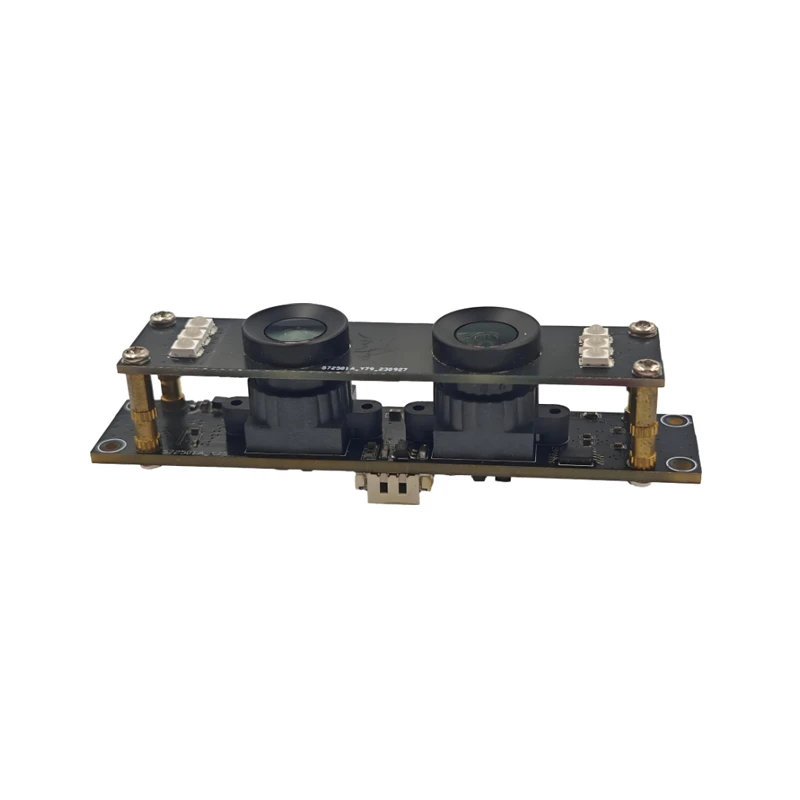
MY-DC52M-A1 Dual Lens Wide Dynamic Range Usb2.0 Camera Module With HD Video 5mp+2mp
-
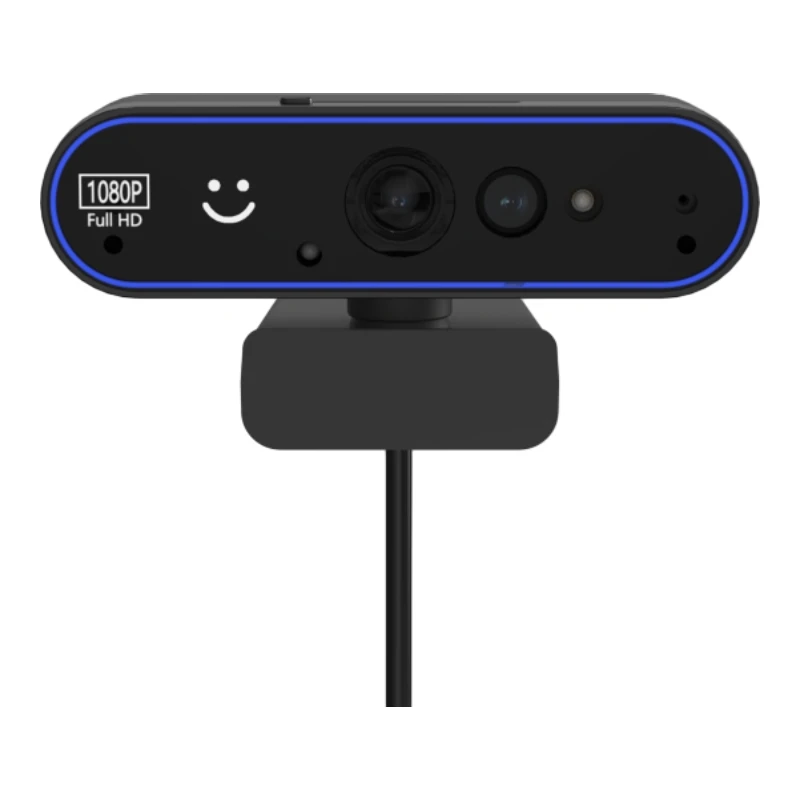
MY-WHC700 Windows Hello Face Recognition Binocular USB Camera
-
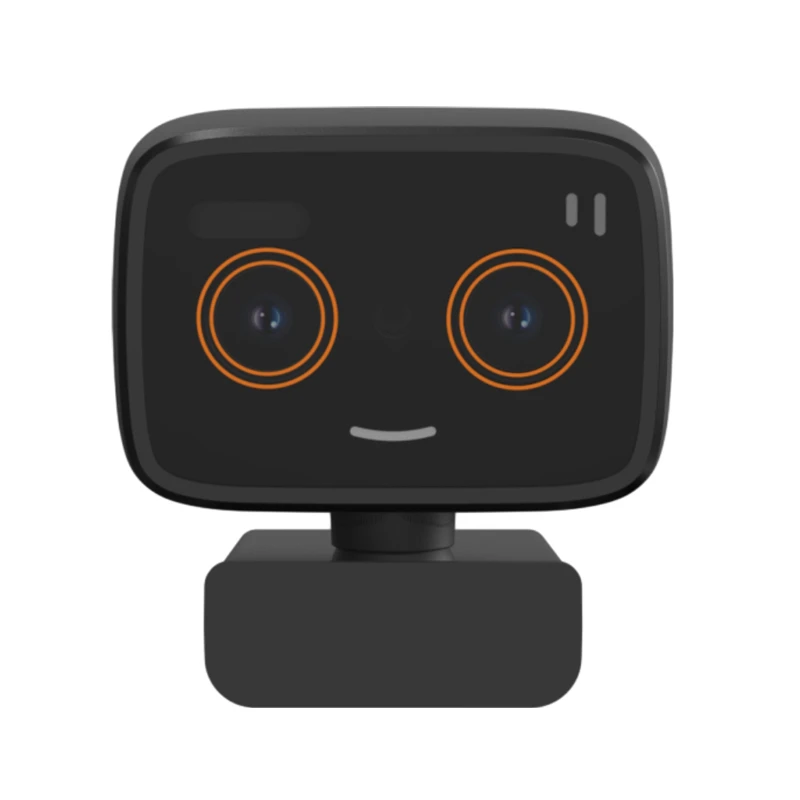
MY-DC-260-A1 Dual Lens Usb2.0 Web Camera With High-definition Video 2mp+2mp
-
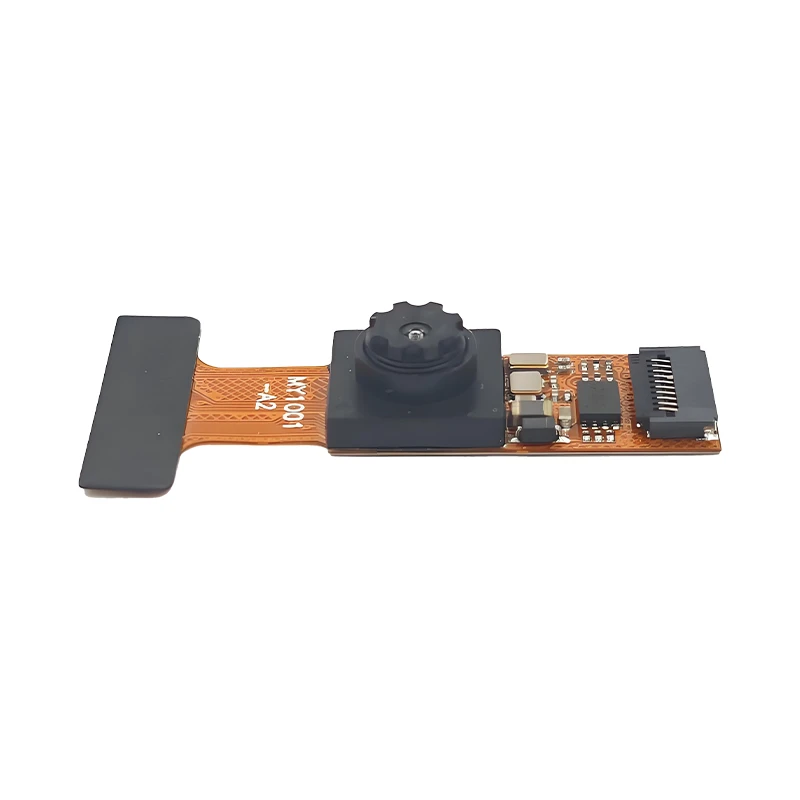
MY-1001-A2 AI Tracking, Gesture Recognition, Sitting Posture Detection Smart Camera Module
-
MY-USB8M158A 4K Resolution HD Video Driver-Free USB Camera Module With Microphone
