


Mar . 11, 2026 02:25 Back to list
Enhance Communication with a High Quality Computer USB Camera Microphone
Choosing the Right Computer USB Camera Microphone
In today’s interconnected world, clear communication is crucial, whether for video conferencing, online streaming, or content creation. A high-quality computer USB camera microphone is essential for achieving this. This article explores the key features to consider, the benefits of investing in a good quality device, and how to choose the best option to meet your specific needs. We’ll cover everything from audio clarity to video resolution, and discuss the importance of compatibility and ease of use.
Understanding the Importance of a Quality USB Camera Microphone
A built-in webcam and microphone on a laptop often fall short in delivering professional-quality audio and video. External USB camera microphones offer a significant upgrade, providing superior sound capture and clearer visuals. This is especially important for professionals who rely on virtual meetings, presentations, or content creation. Poor audio can lead to miscommunication and frustration, while low-resolution video can detract from your overall image. Investing in a dedicated device demonstrates professionalism and ensures your message is conveyed effectively. The right USB camera microphone can make a world of difference.
Key Benefits: Superior sound capture, clearer visuals, enhanced professionalism, improved communication, and greater flexibility.
Key Features to Look for in a Computer USB Camera Microphone
When selecting a computer USB camera microphone, consider these crucial features. Video resolution (720p, 1080p, or higher) impacts image clarity. Frame rate (30fps or 60fps) determines smoothness of motion. Microphone type (omnidirectional, cardioid, or unidirectional) affects how well it picks up sound from different directions. Auto-focus capabilities ensure clear video, even if you move around. Built-in noise cancellation minimizes background distractions. And, of course, compatibility with your operating system (Windows, macOS, etc.) is essential.
Essential Features Checklist:
• Video Resolution (720p/1080p/4K)
• Frame Rate (30fps/60fps)
• Microphone Type (Omnidirectional/Cardioid)
• Auto-Focus
• Noise Cancellation
Computer USB Camera Microphone Comparison
Choosing the right webcam with microphone can be confusing with so many options available. Here’s a comparison of common features across different price points:
Choosing the Right USB Camera Microphone for Your Needs
Consider your primary use case when making a decision. For casual video calls, a budget-friendly option might suffice. However, if you’re a professional content creator or frequently participate in important video conferences, investing in a mid-range or high-end model is recommended. Look for features like noise cancellation, auto-focus, and higher resolution for optimal performance. Don’t forget to check compatibility with your existing hardware and software. Szmyccm offers a wide range of solutions to fit different needs and budgets.
Product Spotlight: Szmyccm USB Camera Microphones
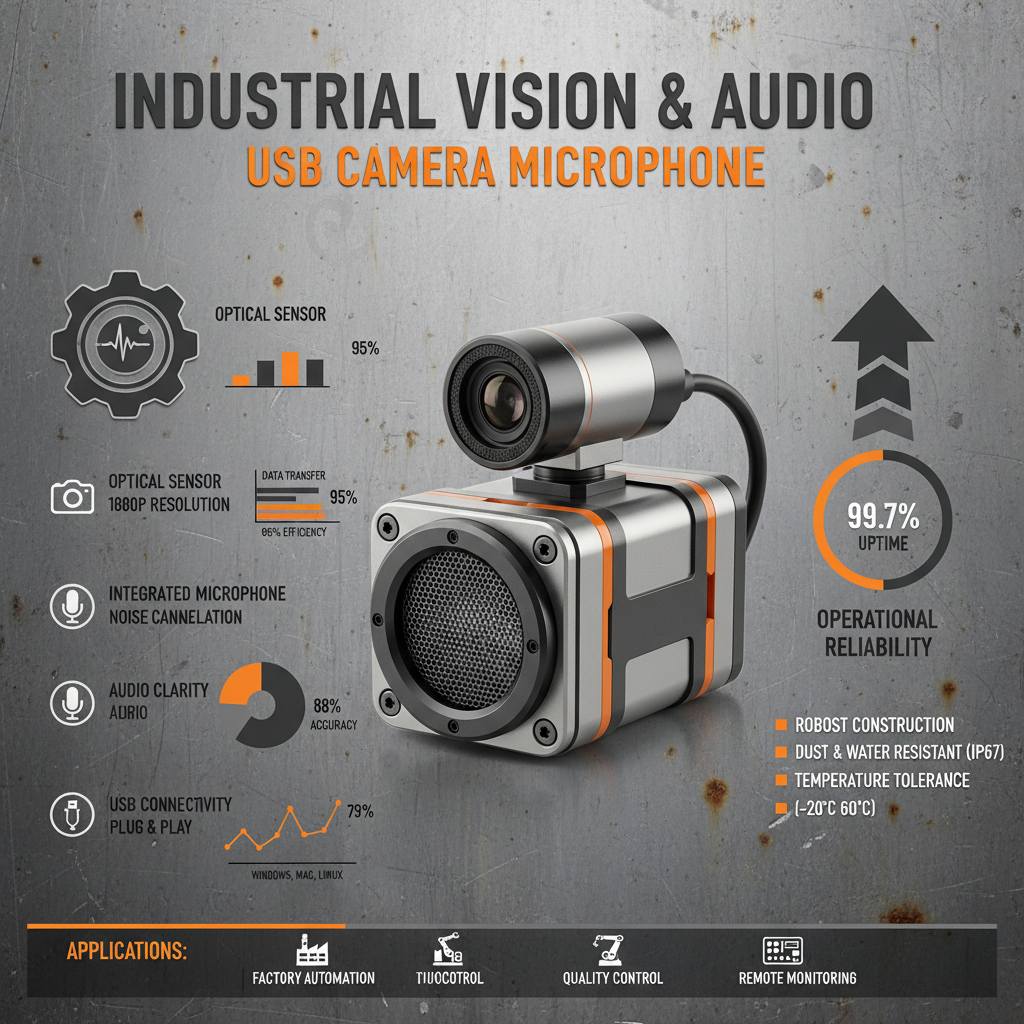
Szmyccm specializes in high-quality computer USB camera microphones designed for a variety of applications. We offer models with 1080p resolution, advanced noise cancellation, and crystal-clear audio capture. Our products are rigorously tested to ensure reliability and performance. We are committed to providing innovative solutions that meet the evolving needs of our customers. See our specifications below:
Conclusion: Elevate Your Communication with the Right Webcam Microphone
Investing in a high-quality computer USB camera microphone is a smart decision for anyone who values clear communication and professional presentation. With a wide range of options available, from budget-friendly to high-end, there’s a perfect solution to meet your specific needs. Explore the offerings at Szmyccm today and experience the difference!
Frequently Asked Questions (FAQs)
What is the difference between omnidirectional and cardioid microphones?
Omnidirectional microphones pick up sound from all directions, making them suitable for group calls or recording ambient sound. Cardioid microphones are more directional, focusing on sound from directly in front of the microphone while rejecting noise from the sides and rear. This makes them ideal for individual recordings or video conferencing in noisy environments. Choosing the right type depends on your specific needs and recording environment. For most individual use cases like video calls and streaming, a cardioid microphone is often the better choice due to its noise reduction capabilities.
How do I improve the audio quality of my USB camera microphone?
Several factors can affect audio quality. Ensure your microphone is positioned correctly, close to your mouth but not directly in front of it. Minimize background noise by closing windows and doors, and turning off fans or other noise-generating devices. Utilize the noise cancellation features of your microphone and software. Experiment with different audio settings in your conferencing or recording software to find the optimal configuration. A pop filter can also reduce plosive sounds (like "p" and "b").
What is frame rate, and why is it important?
Frame rate refers to the number of images displayed per second (fps). A higher frame rate (60fps) results in smoother, more fluid motion, while a lower frame rate (30fps) can appear choppy. For fast-paced activities or gaming, 60fps is ideal. For standard video calls and recordings, 30fps is usually sufficient. The higher the frame rate, the more data is required, so ensure your computer and internet connection can handle it.
Are Szmyccm USB camera microphones compatible with macOS?
Yes, Szmyccm USB camera microphones are designed to be compatible with both Windows and macOS operating systems. We perform thorough testing to ensure seamless integration and optimal performance across both platforms. Simply plug the microphone into a USB port on your Mac, and it should be recognized automatically. No additional drivers are typically required for basic functionality.
-
Guide to Raspberry Pi Camera Module v3 with Powered Autofocus
NewsApr.16,2026
-
Guide to Using the raspberry pi camera module v1 3 for IoT Projects
NewsApr.09,2026
-
Exploring the Capabilities of the Raspberry Pi Camera Module 3 Noir for Diverse Applications
NewsApr.07,2026
-
Unlocking Visual Potential with the Raspberry Pi Camera Module 3 for Advanced Projects
NewsApr.04,2026
-
Raspberry Pi Noir Camera Module V2 8MP 1080p30 A Comprehensive Guide for Projects
NewsMar.31,2026
-
Comprehensive Guide to the Raspberry Pi 3 B+ Camera Module and Its Applications
NewsMar.28,2026
-

MY-USB1M818A Global Exposure Usb Camera Module With 1mp Hd Video
-

-

-

MY-DC52M-A1 Dual Lens Wide Dynamic Range Usb2.0 Camera Module With HD Video 5mp+2mp
-

MY-WHC700 Windows Hello Face Recognition Binocular USB Camera
-

MY-DC-260-A1 Dual Lens Usb2.0 Web Camera With High-definition Video 2mp+2mp
-

MY-1001-A2 AI Tracking, Gesture Recognition, Sitting Posture Detection Smart Camera Module
-

MY-USB8M158A 4K Resolution HD Video Driver-Free USB Camera Module With Microphone
